
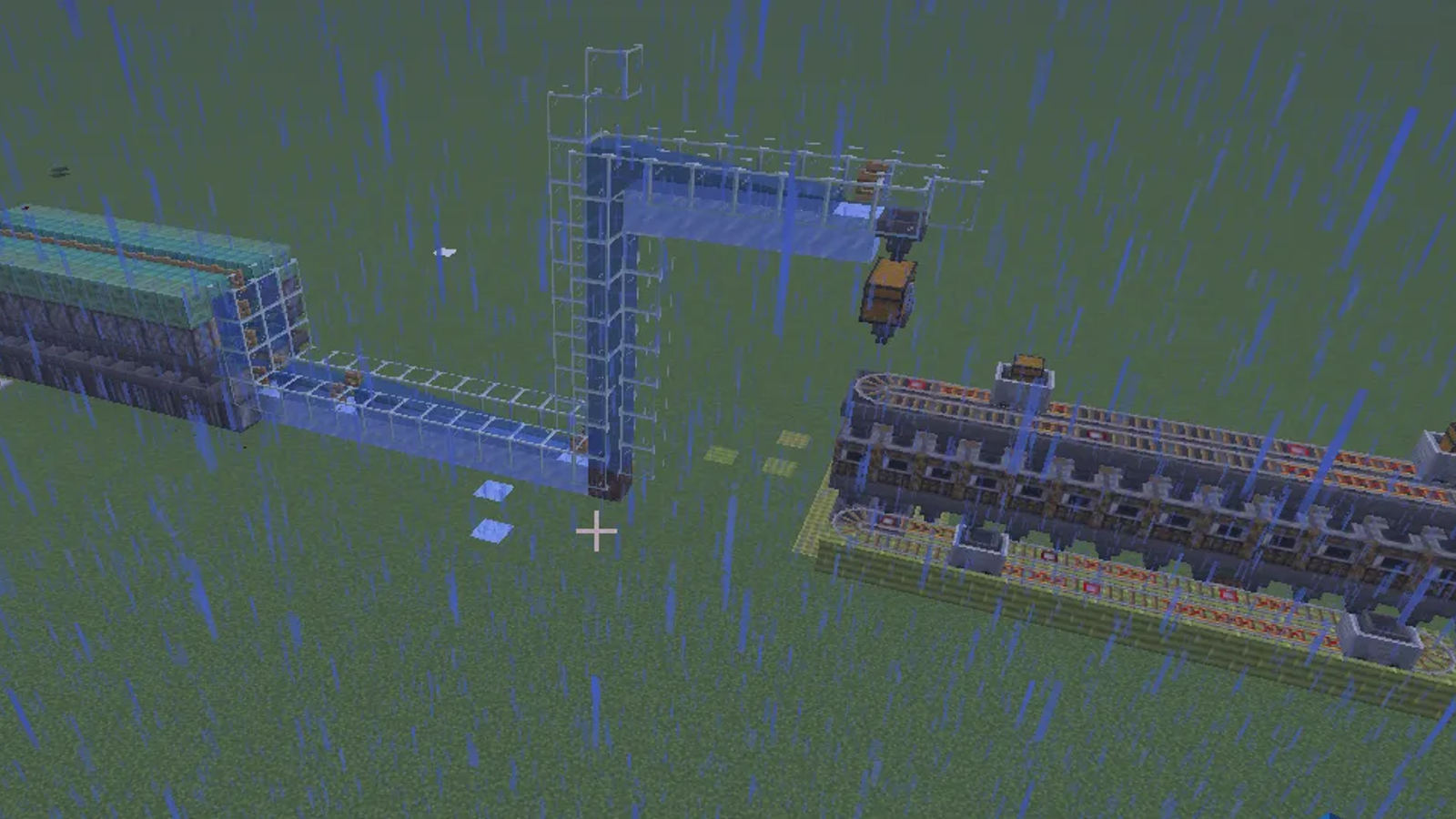
User Description
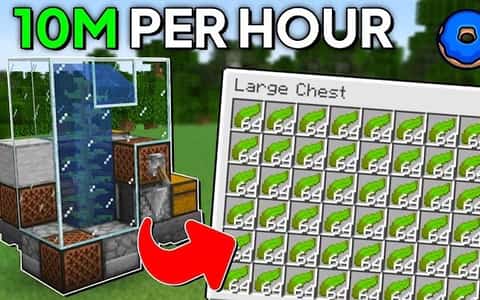
Maximize your server profits with Wither V2, a high-efficiency kelp farm designed specifically for Donut SMP and similar economy-based survival environments. This schematic offers a streamlined, beginner-friendly build that balances low construction costs with massive financial returns.
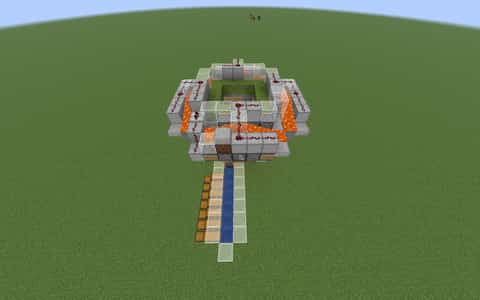
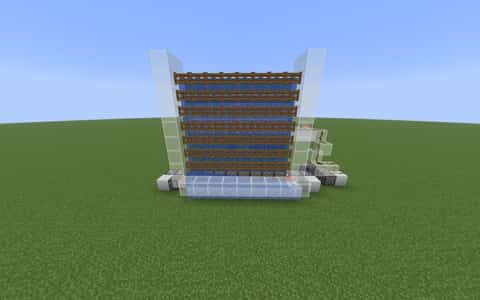
Built with a compact and modular footprint, the Wither V2 is easy to integrate into any base or industrial district. It focuses on high-speed kelp growth and automated collection, turning a modest 20M investment into an estimated 50M profit. The design utilizes standard materials, ensuring you can get your passive income stream running without hunting for rare resources.
Whether you are a new player looking to climb the leaderboards or a veteran expanding your industrial empire, this schematic provides a reliable, high-yield solution for automated farming. Clear block layouts and a functional aesthetic make it the perfect addition to any player-owned shop or resource hub. Build smart, scale fast, an
Details
Initializing...
Rough estimate using the latest auction house (/ah) price history. Actual in-game prices can vary.
| Material | Unit Price | Count | Subtotal |
|---|---|---|---|
| $9,899.00 | 113 | $1,118,587.00 | |
| $15,000.00 | 24 | $360,000.00 | |
| $2,900.00 | 58 | $168,200.00 | |
| $5,625.00 | 28 | $157,500.00 | |
| $13,999.00 | 9 | $125,991.00 | |
| $4,990.00 | 24 | $119,760.00 | |
| $467.19 | 95 | $44,382.81 | |
| $25,000.00 | 1 | $25,000.00 | |
| $4,990.00 | 4 | $19,960.00 | |
| $2,210.00 | 8 | $17,680.00 | |
| $593.75 | 27 | $16,031.25 | |
| $10,000.00 | 1 | $10,000.00 | |
| $192.19 | 30 | $5,765.57 | |
| $468.75 | 1 | $468.75 | |
| N/A | 24 | N/A | |
| N/A | 28 | N/A | |
| N/A | 24 | N/A | |
| N/A | 2 | N/A | |
| N/A | 26 | N/A | |
| N/A | 20 | N/A | |
| N/A | 40 | N/A | |
| N/A | 24 | N/A | |
| N/A | 25 | N/A | |
| Total | $2,189,326.39 | ||


Comments
Sign in to leave a comment.
Максим 228
5 months ago
can I use any block or only copper slabs and copper chiseled
Joseph W
5 months ago
from the owner does not take 20M like the description takes 9M to build
How to Use This Schematic
To use this schematic in your Minecraft world, you will need the Litematica mod installed on Minecraft Java Edition.
- Install Litematica using Fabric or Forge.
- Place the .litematic file inside your schematics folder.
- Launch Minecraft and open the Litematica menu.
- Load the schematic and position it in your world.
- Begin placing blocks following the preview overlay.
Tips & Requirements
You will need Minecraft Java Edition with the correct version of Litematica installed.
If the file does not appear in-game, confirm the .litematic file is in your schematics folder and that your mod version matches your game version.
Use the placement preview before building so you can rotate or move the structure if needed.
Learn More
Import the file into your preferred schematic tool and verify version compatibility before placing it in-game.
Joseph W
5 months ago
yes you can use any block i just thought it looked cool