
User Description
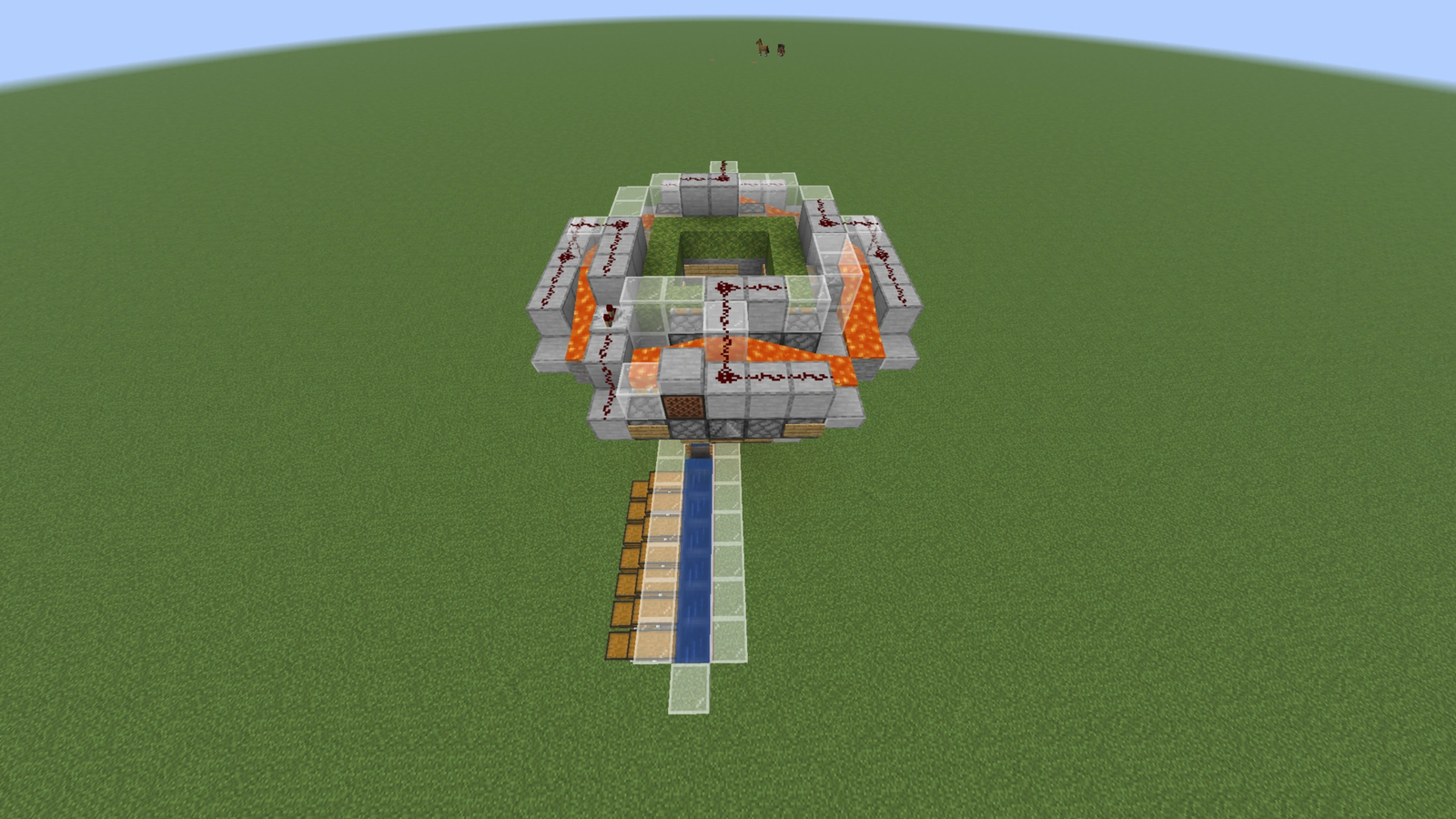
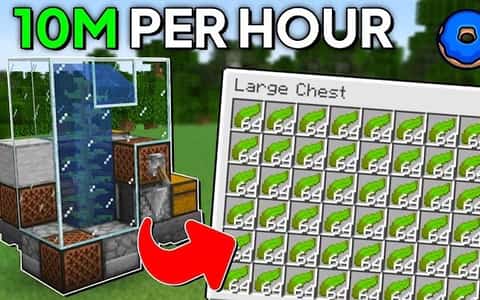
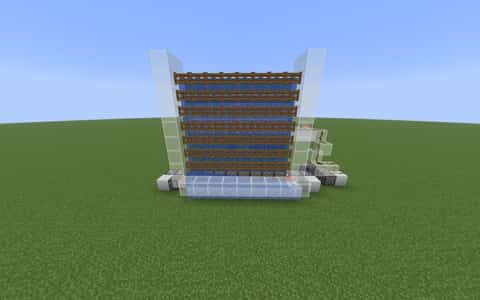
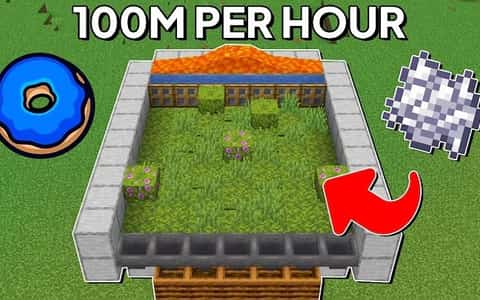
A fully automated bonemeal farm schematic designed for fast, continuous bone meal production with minimal input.
Details
Initializing...
Rough estimate using the latest auction house (/ah) price history. Actual in-game prices can vary.
| Material | Unit Price | Count | Subtotal |
|---|---|---|---|
| $8,599.00 | 35 | $300,965.00 | |
| $4,990.00 | 49 | $244,510.00 | |
| $4,365.00 | 30 | $130,950.00 | |
| $4,494.00 | 21 | $94,374.00 | |
| $1,328.13 | 52 | $69,062.50 | |
| $22,500.00 | 1 | $22,500.00 | |
| $550.00 | 34 | $18,700.00 | |
| $156.25 | 75 | $11,718.75 | |
| $1,199.00 | 9 | $10,791.00 | |
| $515.63 | 16 | $8,250.00 | |
| $264.05 | 28 | $7,393.31 | |
| $992.00 | 2 | $1,984.00 | |
| $994.00 | 1 | $994.00 | |
| $682.80 | 1 | $682.80 | |
| N/A | 11 | N/A | |
| N/A | 11 | N/A | |
| N/A | 2 | N/A | |
| N/A | 1 | N/A | |
| N/A | 2 | N/A | |
| N/A | 1 | N/A | |
| N/A | 4 | N/A | |
| N/A | 16 | N/A | |
| N/A | 64 | N/A | |
| N/A | 25 | N/A | |
| N/A | 1 | N/A | |
| N/A | 1 | N/A | |
| N/A | 43 | N/A | |
| Total | $922,875.36 | ||


Comments
Sign in to leave a comment.
tung
6 days ago
what is the game version
bob
8 days ago
tops not working
bob
8 days ago
BRO I MISS CLICK AND BOUT 110M SLABS NAND ITS SLOW NEVER SAID IN TITAL
Michael
11 days ago
I built the farm, but I don't know where to put the bone meal to make it work.
Jello
12 days ago
to slow to make a profit
fog
11 days ago
its not meant as a profit its meant to be used in another farm. like a kelp farm then you can start making big profit
How to Use This Schematic
To use this schematic in your Minecraft world, you will need the Litematica mod installed on Minecraft Java Edition.
- Install Litematica using Fabric or Forge.
- Place the .litematic file inside your schematics folder.
- Launch Minecraft and open the Litematica menu.
- Load the schematic and position it in your world.
- Begin placing blocks following the preview overlay.
Tips & Requirements
You will need Minecraft Java Edition with the correct version of Litematica installed.
If the file does not appear in-game, confirm the .litematic file is in your schematics folder and that your mod version matches your game version.
Use the placement preview before building so you can rotate or move the structure if needed.
Learn More
Import the file into your preferred schematic tool and verify version compatibility before placing it in-game.
fog
11 days ago
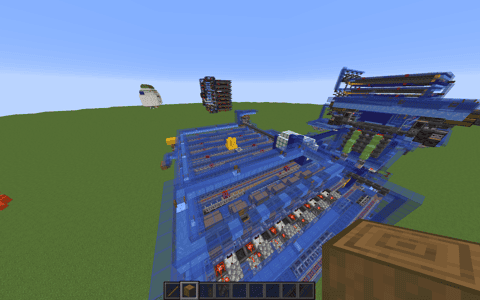
put it in the dispenser near the bottom it you need about 20 but its smart to use a stack of bonemeal