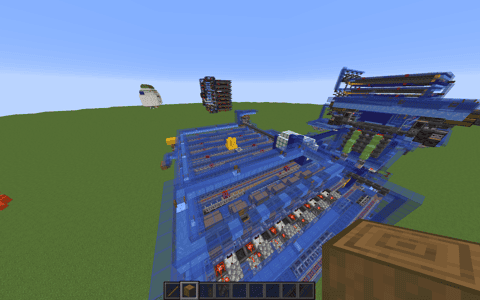
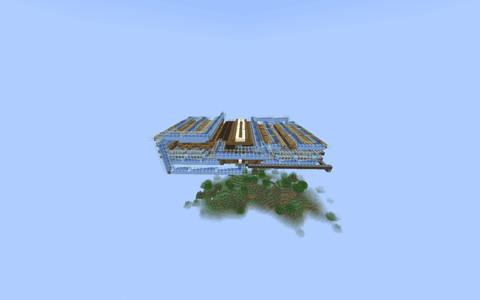
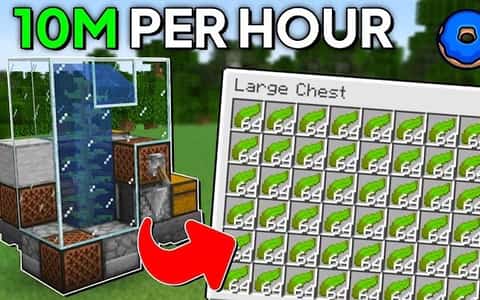
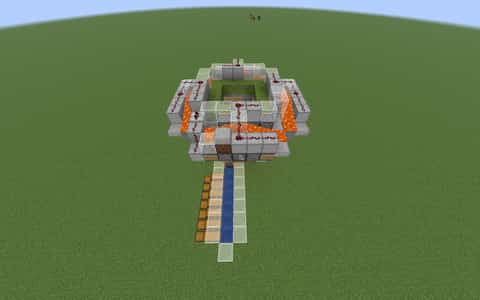
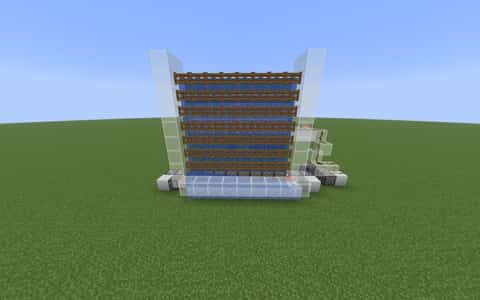
Sweet Berries Farm 0.1v (240million/hour)
User Description
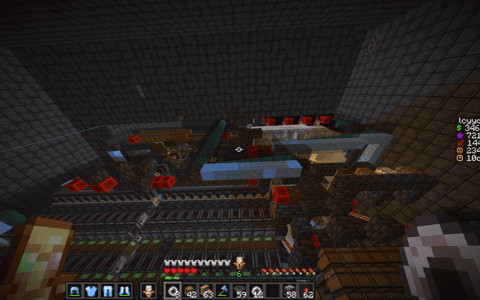
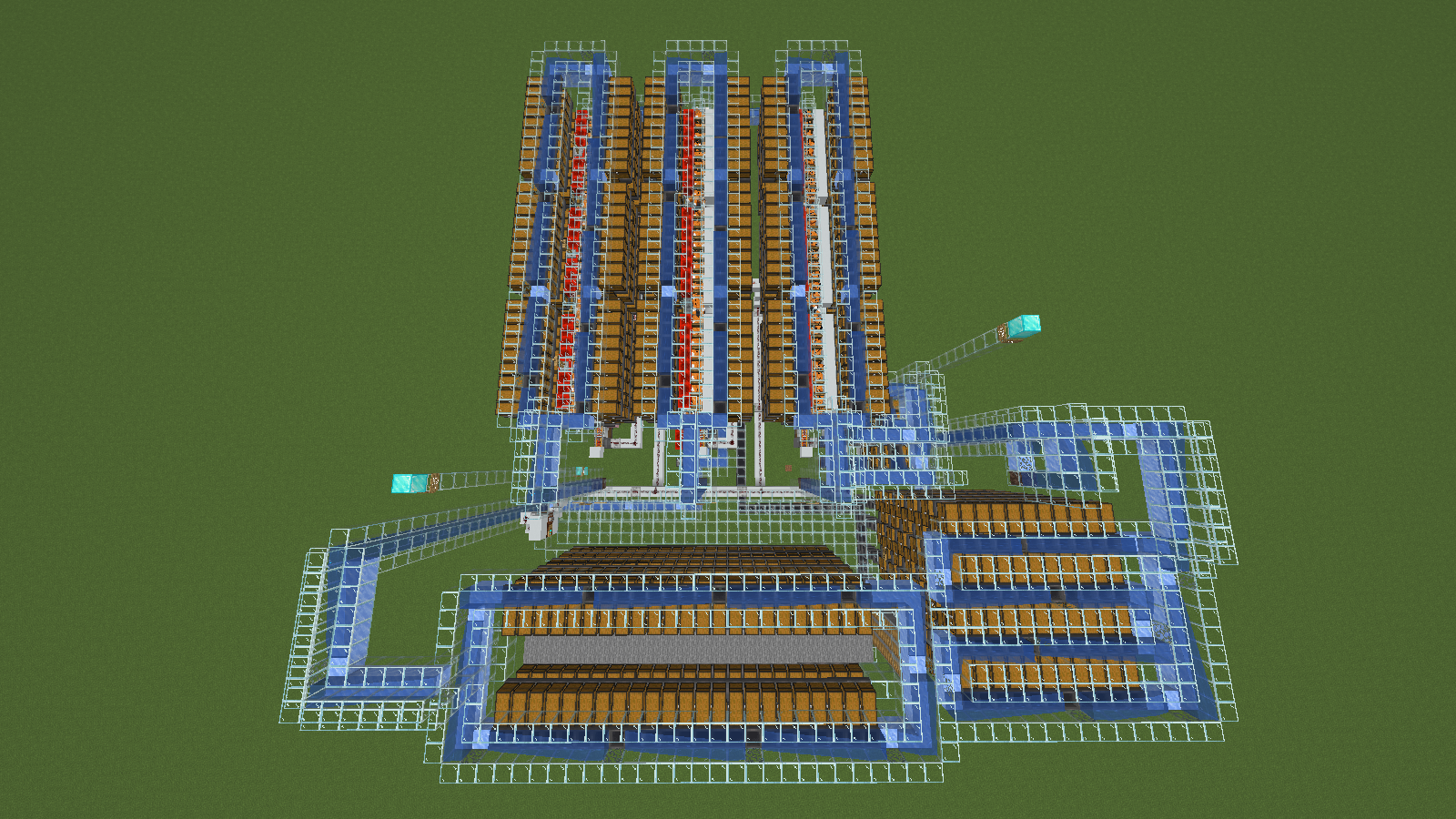
This farm hasn't been tested on DonutsMP (though it should work, as it’s an upgraded version - expanding from a single module to three, plus storage); a single farm module generated a profit of $60 million per hour, so with three modules, the total profit comes to $240 million per hour. The bone meal storage holds nearly 3.6 million items, or over 56.000 stacks of bone meal. The sweet berry storage holds over 27.000 shulker boxes filled with sweet berries, while the auto-crafting storage holds over 51.000 shulker shells and 41.000 chests.
Details
Initializing...
Rough estimate using the latest auction house (/ah) price history. Actual in-game prices can vary.
| Material | Unit Price | Count | Subtotal |
|---|---|---|---|
| $4,365.00 | 2794 | $12,195,810.00 | |
| $22,500.00 | 203 | $4,567,500.00 | |
| $1,806.25 | 2429 | $4,387,381.25 | |
| $4,494.00 | 454 | $2,040,276.00 | |
| $264.05 | 3978 | $1,050,378.47 | |
| $7,800.00 | 119 | $928,200.00 | |
| $1,250.00 | 411 | $513,750.00 | |
| $89,999.99 | 4 | $359,999.96 | |
| $625.00 | 332 | $207,499.95 | |
| $992.00 | 207 | $205,344.00 | |
| $550.00 | 250 | $137,500.00 | |
| $2,394.00 | 39 | $93,366.00 | |
| $1,900.00 | 48 | $91,200.00 | |
| $468.75 | 144 | $67,500.00 | |
| $6,234.38 | 6 | $37,406.25 | |
| $1,199.00 | 14 | $16,786.00 | |
| $515.63 | 30 | $15,468.75 | |
| $6,250.00 | 2 | $12,500.00 | |
| $1,242.19 | 10 | $12,421.87 | |
| $682.80 | 12 | $8,193.56 | |
| $781.25 | 9 | $7,031.25 | |
| $156.25 | 30 | $4,687.50 | |
| $994.00 | 1 | $994.00 | |
| N/A | 165 | N/A | |
| N/A | 41 | N/A | |
| N/A | 1 | N/A | |
| N/A | 1 | N/A | |
| N/A | 5 | N/A | |
| N/A | 99 | N/A | |
| N/A | 87 | N/A | |
| N/A | 38 | N/A | |
| N/A | 153 | N/A | |
| N/A | 108 | N/A | |
| N/A | 81 | N/A | |
| N/A | 3 | N/A | |
| N/A | 25 | N/A | |
| N/A | 1 | N/A | |
| N/A | 81 | N/A | |
| Total | $26,961,194.81 | ||


Comments
Sign in to leave a comment.
thosewhuzz
2 months ago
im having problems with the hopper minecart do you think you could help me on dc
How to Use This Schematic
To use this schematic in your Minecraft world, you will need the Litematica mod installed on Minecraft Java Edition.
- Install Litematica using Fabric or Forge.
- Place the .litematic file inside your schematics folder.
- Launch Minecraft and open the Litematica menu.
- Load the schematic and position it in your world.
- Begin placing blocks following the preview overlay.
Tips & Requirements
You will need Minecraft Java Edition with the correct version of Litematica installed.
If the file does not appear in-game, confirm the .litematic file is in your schematics folder and that your mod version matches your game version.
Use the placement preview before building so you can rotate or move the structure if needed.
Learn More
Import the file into your preferred schematic tool and verify version compatibility before placing it in-game.