
PAPA's Wheatinator 5000
User Description
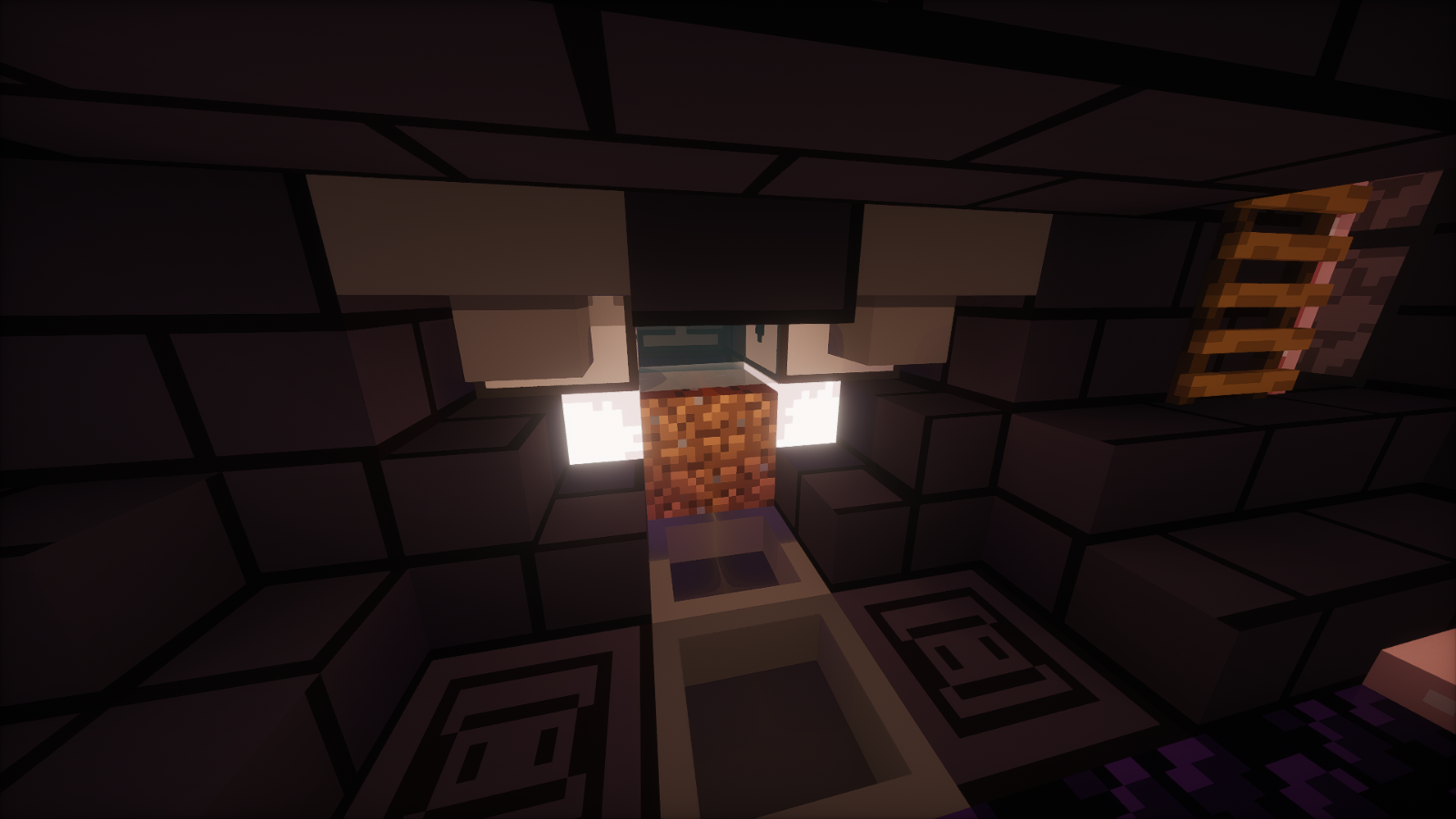
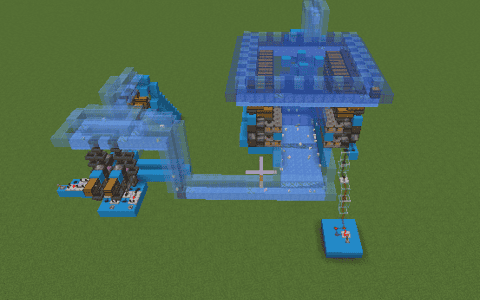
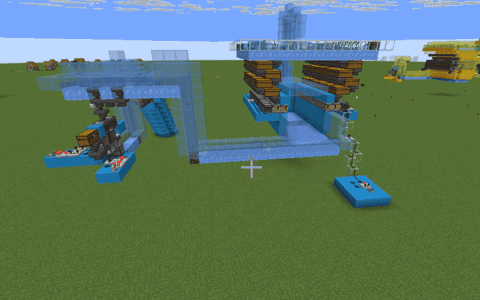
The final encased Wheatinator 5000 by PAPAxCRAFTER. A compact wheat-processing build enclosed in dark blackstone and obsidian, with purple accents, illuminated work areas, interior access and integrated collection and crafting. Includes the finished shell, floor and roof shown in the screenshots.
Adaptation and styling: PAPAxCRAFTER.
Details
Initializing...
Rough estimate using the latest auction house (/ah) price history. Actual in-game prices can vary.
| Material | Unit Price | Count | Subtotal |
|---|---|---|---|
| $313,265.63 | 10 | $3,132,656.25 | |
| $3,476.56 | 539 | $1,873,867.19 | |
| $882.02 | 1019 | $898,781.88 | |
| $4,122.50 | 130 | $535,925.00 | |
| $20,257.81 | 15 | $303,867.19 | |
| $3,057.07 | 53 | $162,024.46 | |
| $3,247.00 | 41 | $133,127.00 | |
| $2,332.02 | 43 | $100,277.01 | |
| $17,500.00 | 5 | $87,500.00 | |
| $21,562.50 | 4 | $86,250.00 | |
| $2,272.00 | 25 | $56,800.00 | |
| $4,994.00 | 8 | $39,952.00 | |
| $1,398.50 | 17 | $23,774.50 | |
| $4,140.62 | 4 | $16,562.47 | |
| $2,496.50 | 6 | $14,979.00 | |
| $4,697.50 | 3 | $14,092.50 | |
| $533.59 | 24 | $12,806.25 | |
| $1,828.90 | 4 | $7,315.59 | |
| $5,099.50 | 1 | $5,099.50 | |
| $994.00 | 3 | $2,982.00 | |
| N/A | 16 | N/A | |
| N/A | 1 | N/A | |
| N/A | 1 | N/A | |
| N/A | 3 | N/A | |
| N/A | 1 | N/A | |
| N/A | 10 | N/A | |
| N/A | 10 | N/A | |
| N/A | 1 | N/A | |
| N/A | 1 | N/A | |
| N/A | 14 | N/A | |
| N/A | 333 | N/A | |
| N/A | 16 | N/A | |
| N/A | 28 | N/A | |
| N/A | 66 | N/A | |
| N/A | 1 | N/A | |
| N/A | 201 | N/A | |
| Total | $7,508,639.78 | ||


Comments
Sign in to leave a comment.
b9K2pMC
10 days ago
does it plant automatically?
b9K2pMC
10 days ago
can u try making it auto plant too with redstone?
How to Use This Schematic
To use this schematic in your Minecraft world, you will need the Litematica mod installed on Minecraft Java Edition.
- Install Litematica using Fabric or Forge.
- Place the .litematic file inside your schematics folder.
- Launch Minecraft and open the Litematica menu.
- Load the schematic and position it in your world.
- Begin placing blocks following the preview overlay.
Tips & Requirements
You will need Minecraft Java Edition with the correct version of Litematica installed.
If the file does not appear in-game, confirm the .litematic file is in your schematics folder and that your mod version matches your game version.
Use the placement preview before building so you can rotate or move the structure if needed.
Learn More
Import the file into your preferred schematic tool and verify version compatibility before placing it in-game.
PAPAxCRAFTER
10 days ago
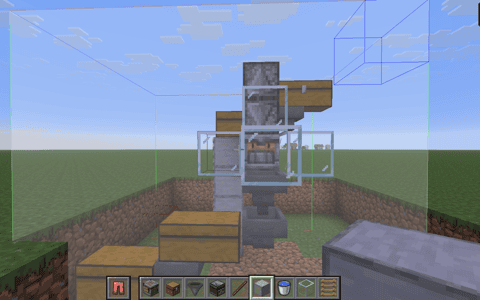
yes. Just set the plant key to a keyboard key and put something heavy on it :-)