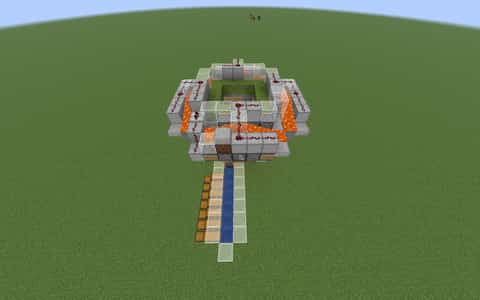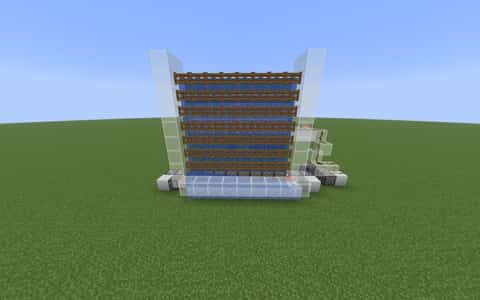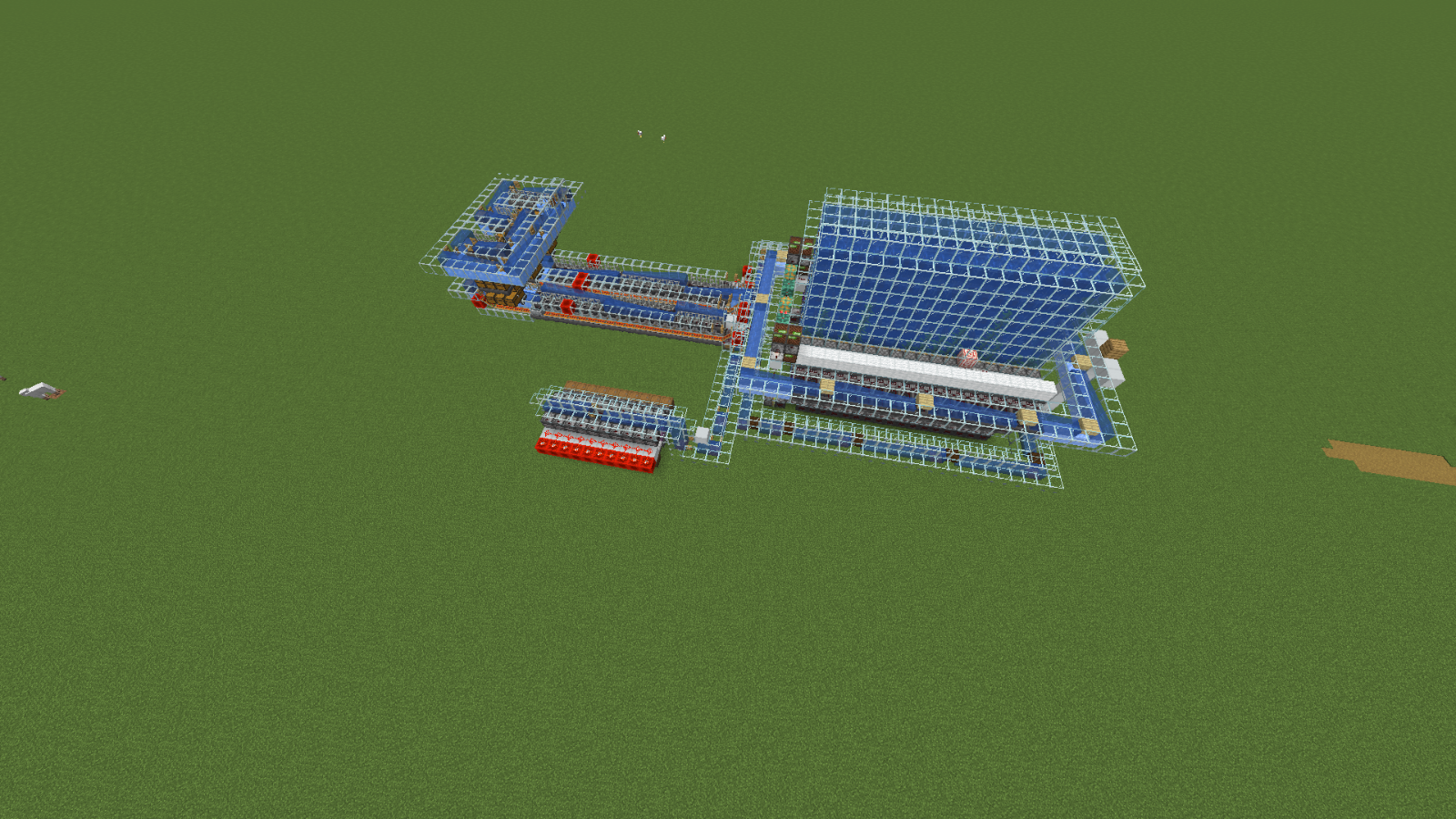
User Description
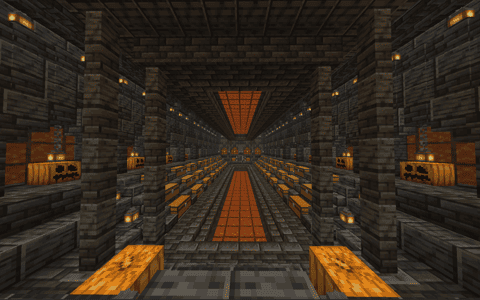
the smokers and shulker loaders are expandable so expand them if you want
the smokers have antioverflow so dont worry if you put too much kelp in it
(also put packed ice or blue ice on the bottom of glass highways)
(if glass highways go up put soulsand)
160000 bone block per hour
5120 blaze rod to make smokers full
bone blocks only or farm will become slow
60000 blaze rods per hour
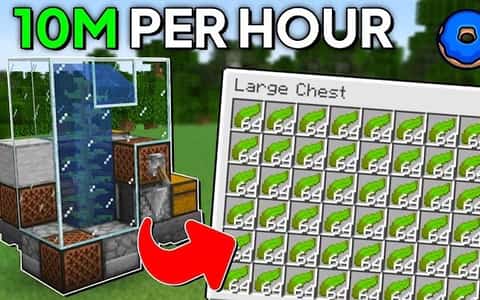
400 kelp per second
disclaimer: the farm is not mine. i took 3 schematics and combined them.
kelp farm: TsDom
smokers: @Whaleee0
shulker loader: @BasicRedstone
Details
Initializing...
Rough estimate using the latest auction house (/ah) price history. Actual in-game prices can vary.
| Material | Unit Price | Count | Subtotal |
|---|---|---|---|
| $4,122.50 | 553 | $2,279,742.50 | |
| $17,500.00 | 108 | $1,890,000.00 | |
| $1,202.34 | 1198 | $1,440,398.45 | |
| $3,247.00 | 261 | $847,467.00 | |
| $2,155.63 | 252 | $543,217.50 | |
| $13,719.75 | 36 | $493,911.00 | |
| $2,332.02 | 150 | $349,803.52 | |
| $4,994.00 | 54 | $269,676.00 | |
| $852.34 | 267 | $227,573.70 | |
| $2,272.00 | 75 | $170,400.00 | |
| $20,257.81 | 8 | $162,062.50 | |
| $3,770.81 | 36 | $135,749.25 | |
| $5,099.50 | 23 | $117,288.50 | |
| $1,435.16 | 65 | $93,285.16 | |
| $1,091.38 | 73 | $79,670.38 | |
| $4,697.50 | 13 | $61,067.50 | |
| $533.59 | 107 | $57,094.52 | |
| $8,554.69 | 6 | $51,328.13 | |
| $1,126.56 | 36 | $40,556.25 | |
| $1,398.50 | 20 | $27,970.00 | |
| $1,141.49 | 18 | $20,546.88 | |
| $2,496.50 | 4 | $9,986.00 | |
| $7,812.50 | 1 | $7,812.50 | |
| $994.00 | 1 | $994.00 | |
| N/A | 36 | N/A | |
| N/A | 20 | N/A | |
| N/A | 80 | N/A | |
| N/A | 2 | N/A | |
| N/A | 40 | N/A | |
| N/A | 67 | N/A | |
| N/A | 202 | N/A | |
| N/A | 114 | N/A | |
| N/A | 1 | N/A | |
| N/A | 10 | N/A | |
| N/A | 104 | N/A | |
| N/A | 36 | N/A | |
| N/A | 5 | N/A | |
| Total | $9,377,601.22 | ||


Comments
Sign in to leave a comment.
soosu1231
about 13 hours ago
where do i start it
How to Use This Schematic
To use this schematic in your Minecraft world, you will need the Litematica mod installed on Minecraft Java Edition.
- Install Litematica using Fabric or Forge.
- Place the .litematic file inside your schematics folder.
- Launch Minecraft and open the Litematica menu.
- Load the schematic and position it in your world.
- Begin placing blocks following the preview overlay.
Tips & Requirements
You will need Minecraft Java Edition with the correct version of Litematica installed.
If the file does not appear in-game, confirm the .litematic file is in your schematics folder and that your mod version matches your game version.
Use the placement preview before building so you can rotate or move the structure if needed.
Learn More
Import the file into your preferred schematic tool and verify version compatibility before placing it in-game.