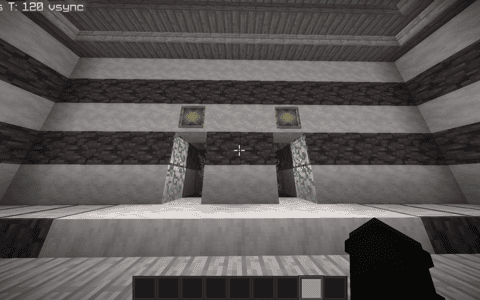
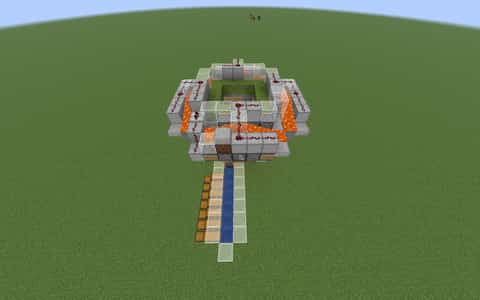
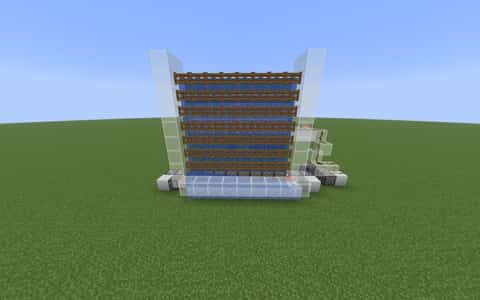
KELP DASHER BLUE BEHEMOTH (ignore sandstone on schematic)
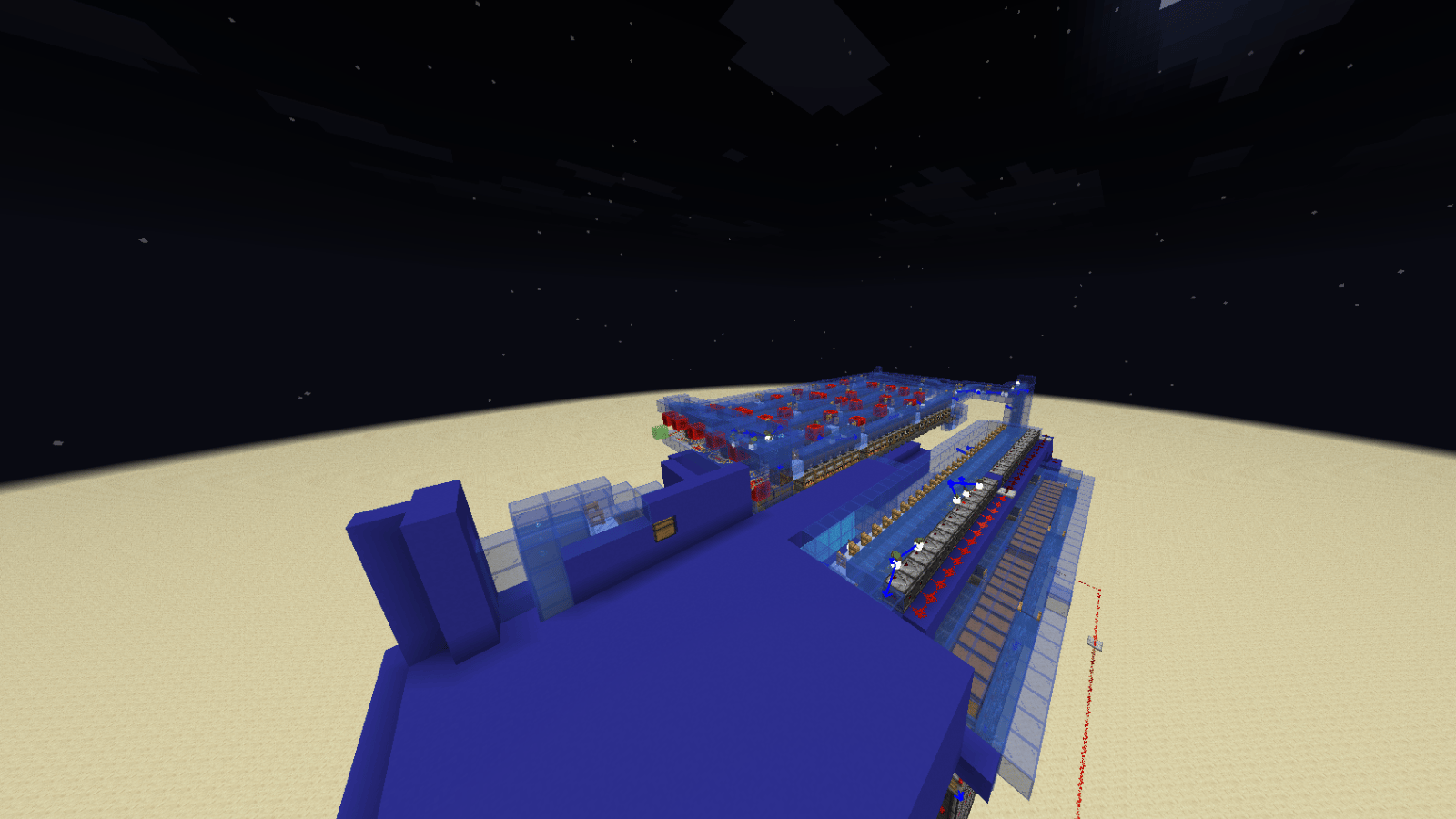
User Description
the biggest blue kelp farm out there
so big that it has the ability to generate 10 shulker boxes full of dried kelp blocks per 2 hours!
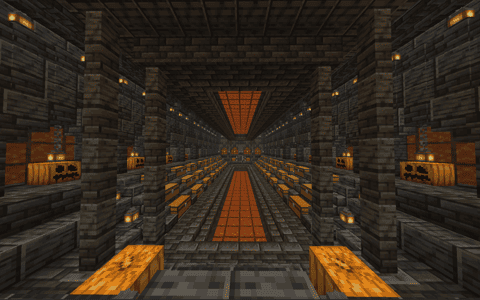
this has a massive kelp module lots of smokers/ and a cycling system so when the smokers are all full, the excess kelp will cycle around and keep filling the smokers until its all gone!
dashes kelp at the speed of light
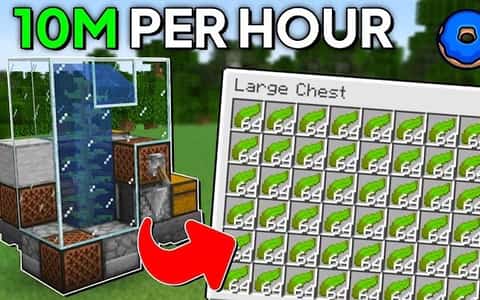
isthatdash2's kelp farm (7MIL PER OUR)
ignore the sandstone btw it's not needed
Details
Initializing...
Rough estimate using the latest auction house (/ah) price history. Actual in-game prices can vary.
| Material | Unit Price | Count | Subtotal |
|---|---|---|---|
| $2,382.81 | 7571 | $18,040,273.44 | |
| $2,734.38 | 2178 | $5,955,468.75 | |
| $3,703.13 | 1465 | $5,425,078.13 | |
| $4,122.50 | 774 | $3,190,815.00 | |
| $3,247.00 | 370 | $1,201,390.00 | |
| $17,500.00 | 59 | $1,032,500.00 | |
| $3,117.19 | 186 | $579,796.88 | |
| $2,332.02 | 231 | $538,697.41 | |
| $13,719.75 | 27 | $370,433.25 | |
| $2,272.00 | 122 | $277,184.00 | |
| $5,099.50 | 37 | $188,681.50 | |
| $46,500.00 | 4 | $186,000.00 | |
| $34,062.50 | 5 | $170,312.50 | |
| $533.59 | 290 | $154,742.16 | |
| $453.12 | 214 | $96,967.08 | |
| $4,697.50 | 6 | $28,185.00 | |
| $4,994.00 | 5 | $24,970.00 | |
| $2,496.50 | 8 | $19,972.00 | |
| $1,398.50 | 7 | $9,789.50 | |
| $851.56 | 8 | $6,812.50 | |
| $2,155.63 | 1 | $2,155.63 | |
| $994.00 | 2 | $1,988.00 | |
| N/A | 28 | N/A | |
| N/A | 10 | N/A | |
| N/A | 131 | N/A | |
| N/A | 33 | N/A | |
| N/A | 205 | N/A | |
| N/A | 29 | N/A | |
| N/A | 5 | N/A | |
| N/A | 5 | N/A | |
| N/A | 1 | N/A | |
| N/A | 3 | N/A | |
| N/A | 65 | N/A | |
| N/A | 28 | N/A | |
| N/A | 11 | N/A | |
| N/A | 467 | N/A | |
| N/A | 1 | N/A | |
| N/A | 1 | N/A | |
| N/A | 6 | N/A | |
| Total | $37,502,212.72 | ||


Comments
Sign in to leave a comment.
No comments yet.
How to Use This Schematic
To use this schematic in your Minecraft world, you will need the Litematica mod installed on Minecraft Java Edition.
- Install Litematica using Fabric or Forge.
- Place the .litematic file inside your schematics folder.
- Launch Minecraft and open the Litematica menu.
- Load the schematic and position it in your world.
- Begin placing blocks following the preview overlay.
Tips & Requirements
You will need Minecraft Java Edition with the correct version of Litematica installed.
If the file does not appear in-game, confirm the .litematic file is in your schematics folder and that your mod version matches your game version.
Use the placement preview before building so you can rotate or move the structure if needed.
Learn More
Import the file into your preferred schematic tool and verify version compatibility before placing it in-game.