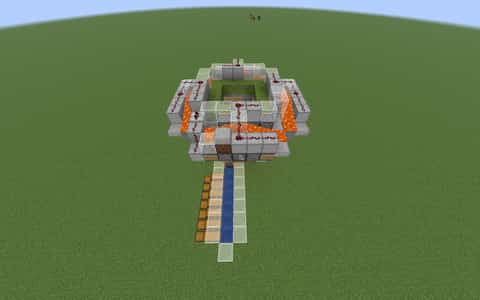
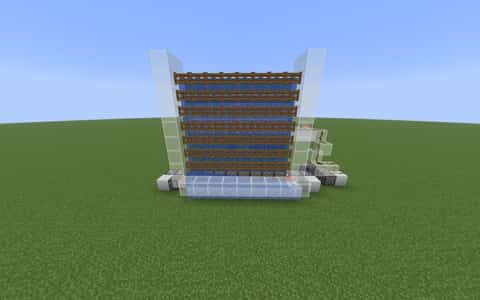
fastest bonemeal farm
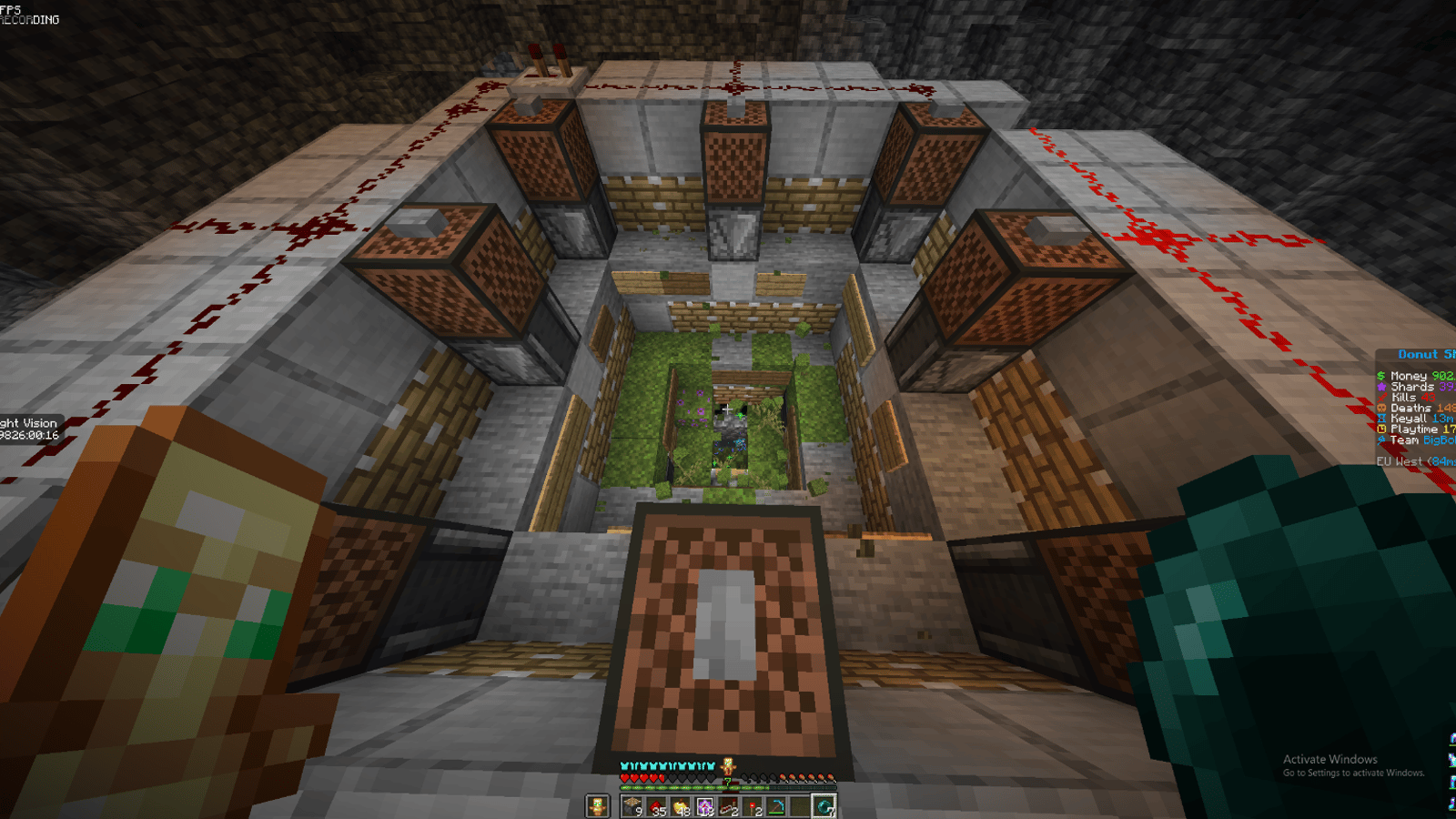
User Description
No description provided
Details
Initializing...
Rough estimate using the latest auction house (/ah) price history. Actual in-game prices can vary.
| Material | Unit Price | Count | Subtotal |
|---|---|---|---|
| $13,719.75 | 79 | $1,083,860.25 | |
| $8,099.50 | 42 | $340,178.79 | |
| $2,272.00 | 85 | $193,120.00 | |
| $4,122.50 | 25 | $103,062.50 | |
| $3,247.00 | 28 | $90,916.00 | |
| $350.00 | 258 | $90,300.00 | |
| $9,328.13 | 8 | $74,625.00 | |
| $2,496.50 | 11 | $27,461.50 | |
| $843.75 | 25 | $21,093.75 | |
| $4,994.00 | 4 | $19,976.00 | |
| $17,500.00 | 1 | $17,500.00 | |
| $882.02 | 11 | $9,702.26 | |
| $1,398.50 | 4 | $5,594.00 | |
| $1,828.90 | 3 | $5,486.70 | |
| $2,332.02 | 2 | $4,664.05 | |
| $1,718.75 | 1 | $1,718.75 | |
| $994.00 | 1 | $994.00 | |
| N/A | 2 | N/A | |
| N/A | 1 | N/A | |
| N/A | 11 | N/A | |
| N/A | 26 | N/A | |
| N/A | 23 | N/A | |
| N/A | 5 | N/A | |
| N/A | 4 | N/A | |
| N/A | 6 | N/A | |
| N/A | 4 | N/A | |
| N/A | 261 | N/A | |
| N/A | 20 | N/A | |
| N/A | 1 | N/A | |
| Total | $2,090,253.54 | ||


Comments
Sign in to leave a comment.
steamcristalls
6 days ago
The farm works and produces a good amount of bonemeal for the size. Sadly it breaks every now and then on donut smp because of the redstone anti-lag plugin. If that happens you have to stop it and replace all the cobble stone with clean stone and can start it again.
loaal kiads
2 months ago
Dont build this farm, it is a waste of my time. fuck you.
EMFlash638
2 months ago
I take everything back, after runing in for a few minutes, iit runs out of bonemeal, even when I put a lot in there, dont make this
EMFlash638
2 months ago
I take what I said back, I'm very sorry, for when you finish building, you HAVE to give it a quick start manually, go to the bottem of the moss, and just spam about a stack, and it will start working.
EMFlash638
2 months ago
Don't build this farm, It's a horrible farm, it forces the stuff to grow on its own, waste of my time. fuck you.
How to Use This Schematic
To use this schematic in your Minecraft world, you will need the Litematica mod installed on Minecraft Java Edition.
- Install Litematica using Fabric or Forge.
- Place the .litematic file inside your schematics folder.
- Launch Minecraft and open the Litematica menu.
- Load the schematic and position it in your world.
- Begin placing blocks following the preview overlay.
Tips & Requirements
You will need Minecraft Java Edition with the correct version of Litematica installed.
If the file does not appear in-game, confirm the .litematic file is in your schematics folder and that your mod version matches your game version.
Use the placement preview before building so you can rotate or move the structure if needed.
Learn More
Import the file into your preferred schematic tool and verify version compatibility before placing it in-game.