User Description
Bamboo Farm
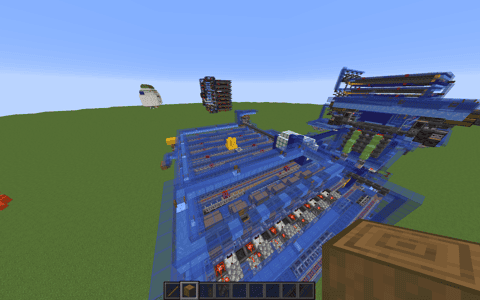
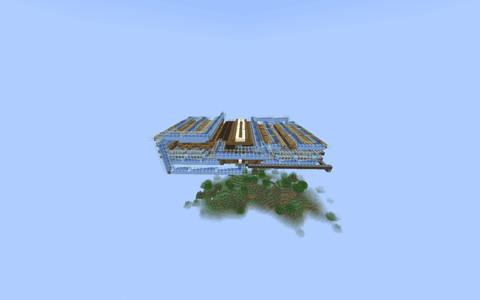
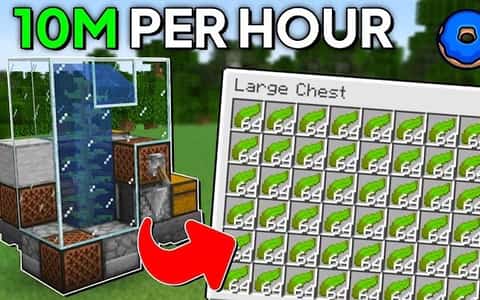
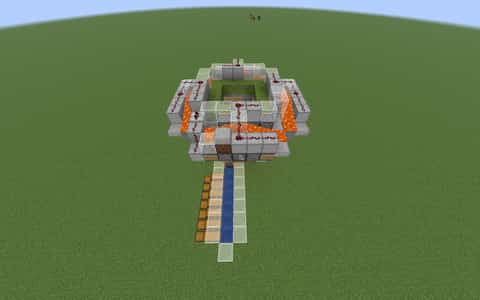
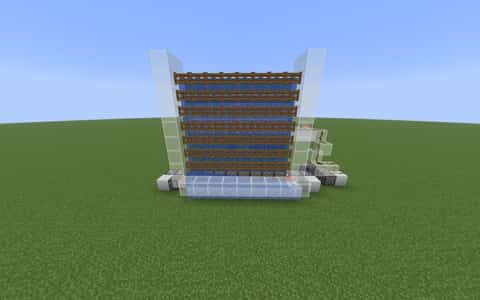
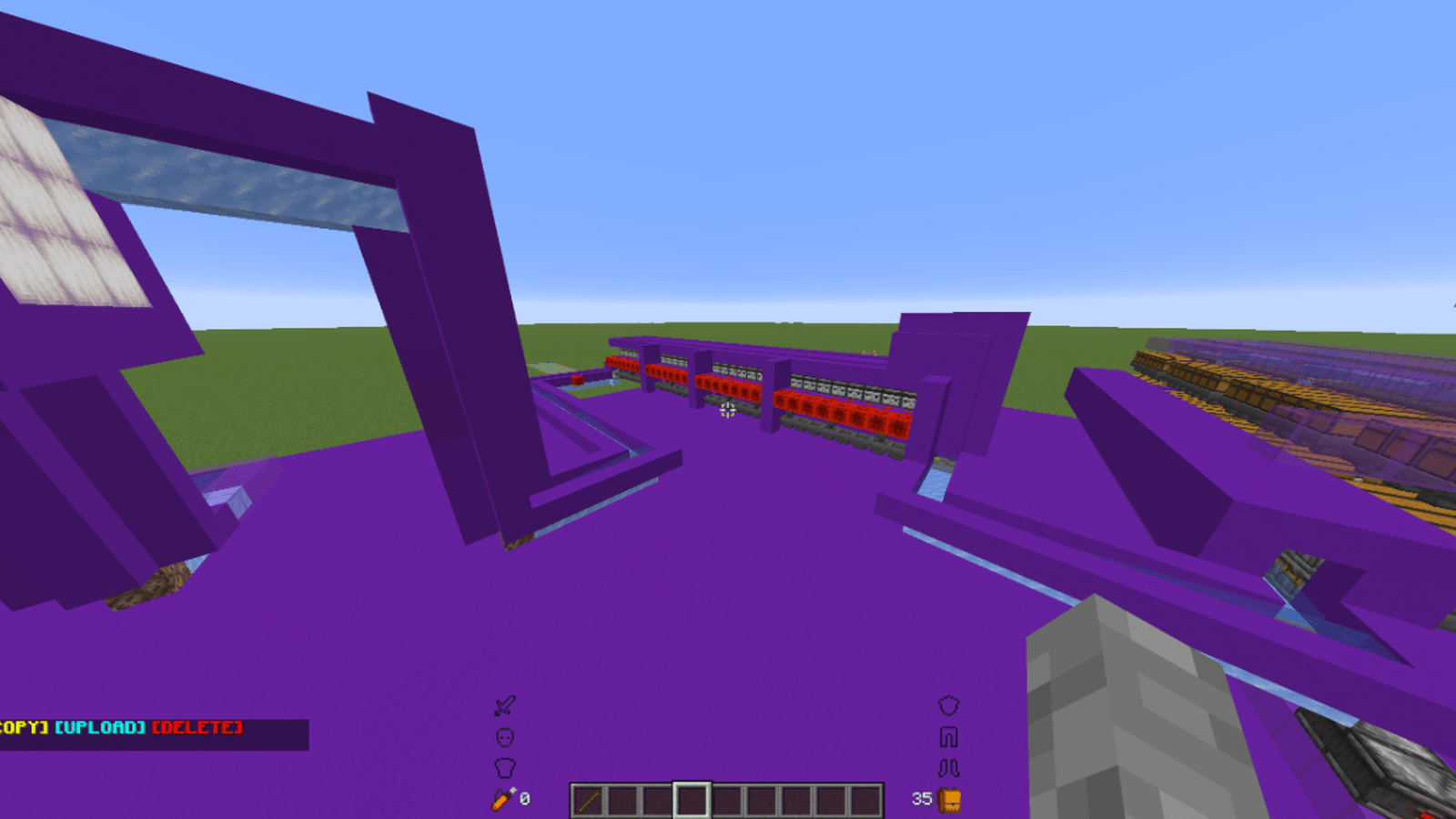
A compact and efficient automatic bamboo farm, perfect for Donut SMP! This design harvests bamboo continuously with minimal manual input, making it ideal for collecting building materials, scaffolding, or fuel for smelting (bamboo can be used as a smokeless fuel source).
Features:
Fully automatic harvesting
Compact, space-efficient design
Easy to expand for higher yield
Works great for AFK farming
Best for: Players looking for a steady supply of bamboo for building, decoration, composters, or smelting fuel without constant manual chopping.
Details
Initializing...
Rough estimate using the latest auction house (/ah) price history. Actual in-game prices can vary.
| Material | Unit Price | Count | Subtotal |
|---|---|---|---|
| $5,140.63 | 8450 | $43,438,281.25 | |
| $22,500.00 | 196 | $4,410,000.00 | |
| $1,739.13 | 1838 | $3,196,521.74 | |
| $4,365.00 | 513 | $2,239,245.00 | |
| $7,800.00 | 230 | $1,794,000.00 | |
| $7,781.25 | 200 | $1,556,250.00 | |
| $4,494.00 | 149 | $669,606.00 | |
| $625.00 | 434 | $271,249.93 | |
| $992.00 | 197 | $195,424.00 | |
| $550.00 | 270 | $148,500.00 | |
| $1,900.00 | 73 | $138,700.00 | |
| $2,394.00 | 40 | $95,760.00 | |
| $264.05 | 256 | $67,596.00 | |
| $1,199.00 | 29 | $34,771.00 | |
| $6,250.00 | 5 | $31,250.00 | |
| $8,599.00 | 2 | $17,198.00 | |
| $1,886.79 | 6 | $11,320.75 | |
| $6,250.00 | 1 | $6,250.00 | |
| $1,242.19 | 5 | $6,210.94 | |
| $682.80 | 7 | $4,779.58 | |
| $994.00 | 2 | $1,988.00 | |
| $46.88 | 6 | $281.25 | |
| N/A | 476 | N/A | |
| N/A | 66 | N/A | |
| N/A | 402 | N/A | |
| N/A | 16 | N/A | |
| N/A | 96 | N/A | |
| N/A | 46 | N/A | |
| N/A | 34 | N/A | |
| N/A | 98 | N/A | |
| N/A | 2 | N/A | |
| N/A | 26 | N/A | |
| N/A | 104 | N/A | |
| N/A | 23 | N/A | |
| Total | $58,335,183.44 | ||


Comments
Sign in to leave a comment.
No comments yet.
How to Use This Schematic
To use this schematic in your Minecraft world, you will need the Litematica mod installed on Minecraft Java Edition.
- Install Litematica using Fabric or Forge.
- Place the .litematic file inside your schematics folder.
- Launch Minecraft and open the Litematica menu.
- Load the schematic and position it in your world.
- Begin placing blocks following the preview overlay.
Tips & Requirements
You will need Minecraft Java Edition with the correct version of Litematica installed.
If the file does not appear in-game, confirm the .litematic file is in your schematics folder and that your mod version matches your game version.
Use the placement preview before building so you can rotate or move the structure if needed.
Learn More
Import the file into your preferred schematic tool and verify version compatibility before placing it in-game.