
User Description
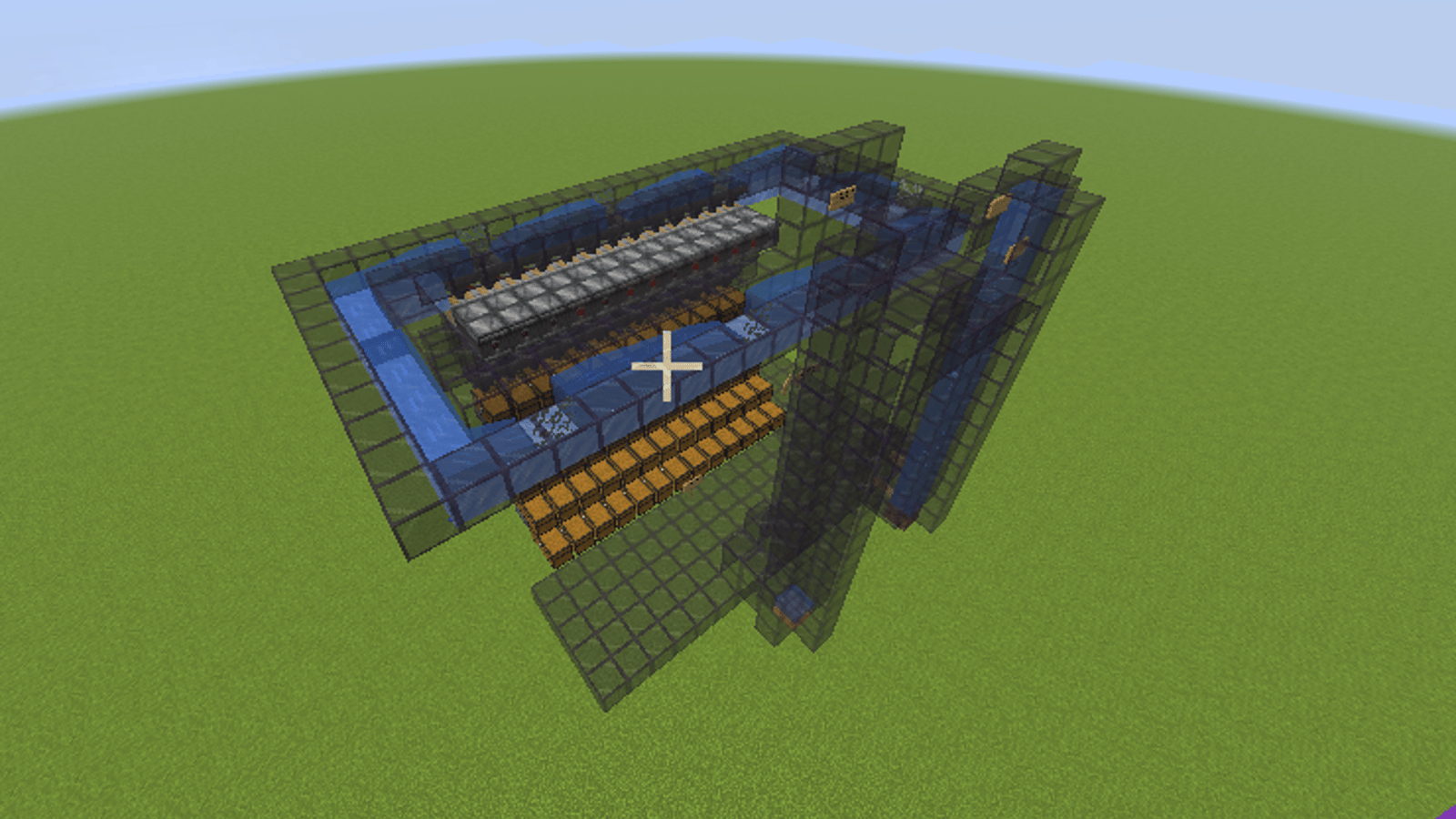
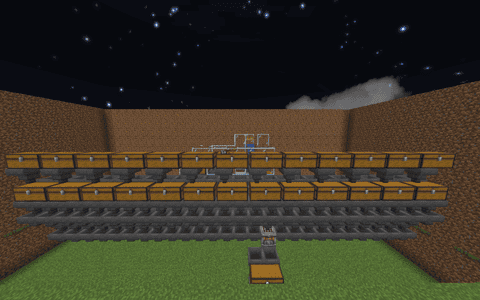
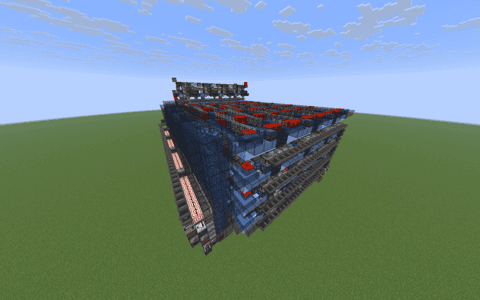
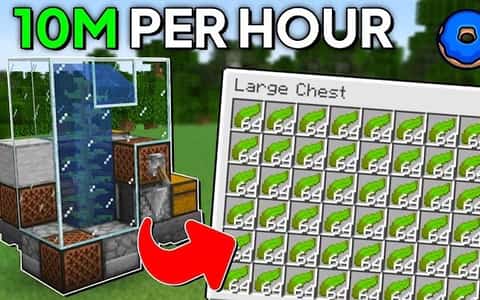
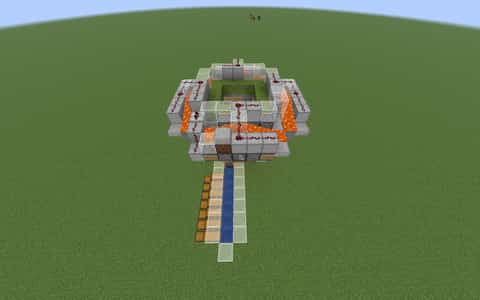
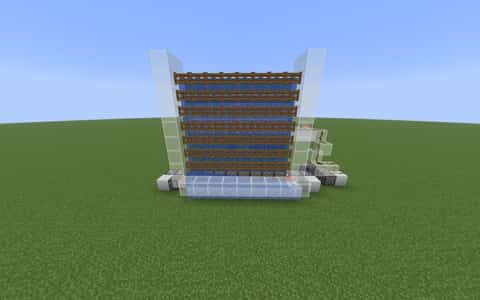
this is a auto crafter the can be used for almost any block some examples are diamond,gold,netherite,iron,dried kelp blocks!
please dm me at @hlj2013 on discord for feedback or questions or ideas for new schematics thank you!
-HLJ2013
Details
Initializing...
Rough estimate using the latest auction house (/ah) price history. Actual in-game prices can vary.
| Material | Unit Price | Count | Subtotal |
|---|---|---|---|
| $4,122.50 | 91 | $375,147.50 | |
| $2,332.02 | 156 | $363,795.66 | |
| $3,247.00 | 26 | $84,422.00 | |
| $533.59 | 39 | $20,810.15 | |
| $851.56 | 1 | $851.56 | |
| $592.97 | 1 | $592.97 | |
| N/A | 13 | N/A | |
| N/A | 4 | N/A | |
| N/A | 9 | N/A | |
| N/A | 433 | N/A | |
| N/A | 5 | N/A | |
| Total | $845,619.84 | ||


Comments
Sign in to leave a comment.
LeonidZot
about 18 hours ago
this is goate i made 30 mil in a wekk with iron crfaters , 9/10 musthave tip more crfaters with more storage for when the items go into crafters and maybe make a separate version with a shulker loader
Svajojlis
8 days ago
can it craft paper from the sugar cane farm?
PlackiEnjoyer
2 months ago
can you make a version with more crafters (use the iron bar thing water flow to fit 2x more crafters and hoppers easily) and shulker loaders?
HLJ2013
2 months ago
@PlackiEnjoyer yes I will try to make a v2 of this schematic with your advice thank you for the feedback I will try to work on that as soon as possible 🙂 Feedback i appreciate it
How to Use This Schematic
To use this schematic in your Minecraft world, you will need the Litematica mod installed on Minecraft Java Edition.
- Install Litematica using Fabric or Forge.
- Place the .litematic file inside your schematics folder.
- Launch Minecraft and open the Litematica menu.
- Load the schematic and position it in your world.
- Begin placing blocks following the preview overlay.
Tips & Requirements
You will need Minecraft Java Edition with the correct version of Litematica installed.
If the file does not appear in-game, confirm the .litematic file is in your schematics folder and that your mod version matches your game version.
Use the placement preview before building so you can rotate or move the structure if needed.
Learn More
Import the file into your preferred schematic tool and verify version compatibility before placing it in-game.
HLJ2013
8 days ago
Yes svajojlis it should be able to craft paper you would just need to hook your sugar cane farm up to the auto crafter. Let me know if you need any other help 😀