A legacy guide for opening older Minecraft worlds in MCEdit and importing classic schematic files safely.
Written by maintainer of donut.build
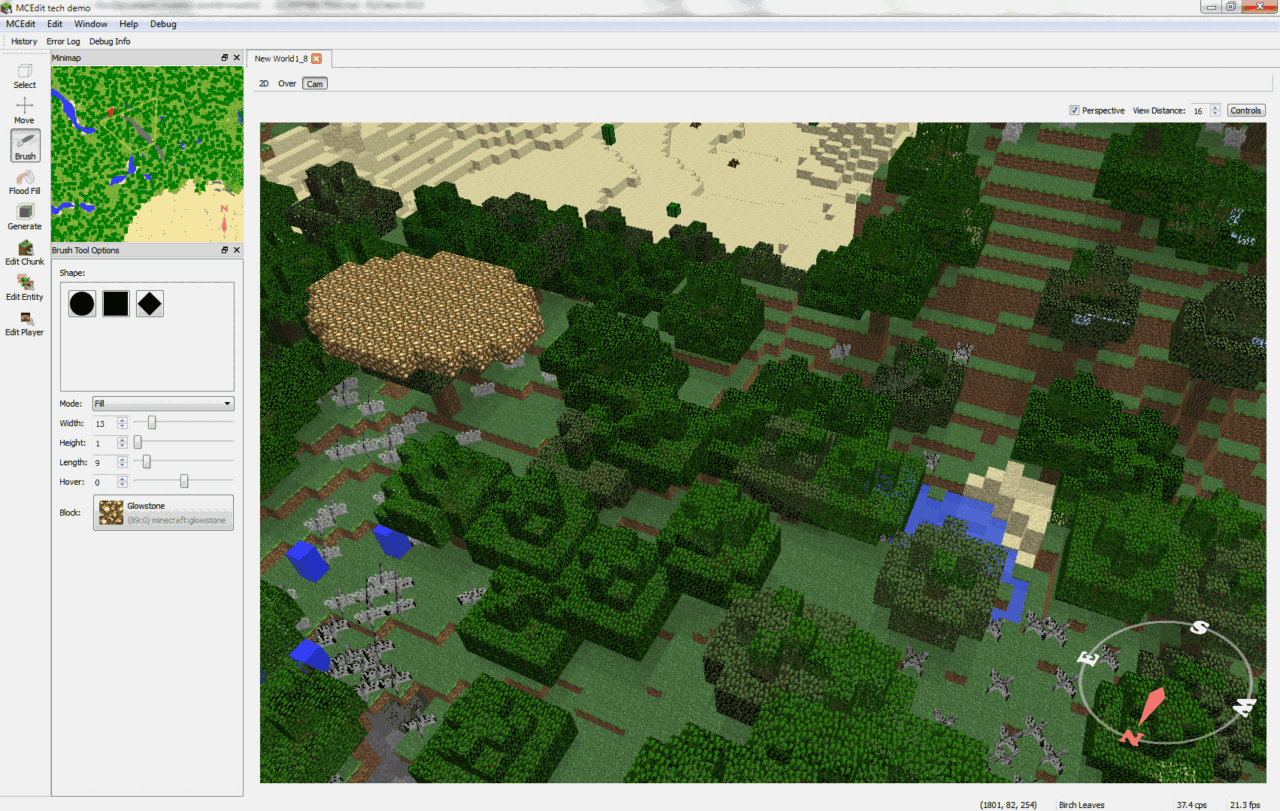
MCEdit is an older standalone world editor for Minecraft. It was popular before modern in-game tools became standard, but it is now mainly useful for older Java Edition worlds and legacy schematic workflows.
This is not relevant for DonutSMP itself, because the server does not use MCEdit or server-side editing plugins for this workflow. It is still useful if you want to use these schematic files on other servers or in creative worlds outside DonutSMP.
MCEdit is not a modern 1.21 editor. The last widely used MCEdit Unified releases targeted older Minecraft versions, so it is best treated as a legacy tool for older worlds rather than a general-purpose editor for current versions of Minecraft.
If you specifically need MCEdit, use the official MCEdit Unified releases page rather than random mirror sites.
Open MCEdit Unified releases on GitHub
.schematic workflow tied to older Minecraft versions.For current Minecraft versions, most players should use WorldEdit for in-world editing or Litematica for client-side placement overlays. MCEdit is mainly here for older worlds and older file formats.
Sign in to leave a comment.
No comments yet.
