User Description
⚙️ How the Mechanism Works (Droppers, Pressure Plates & Railgun)
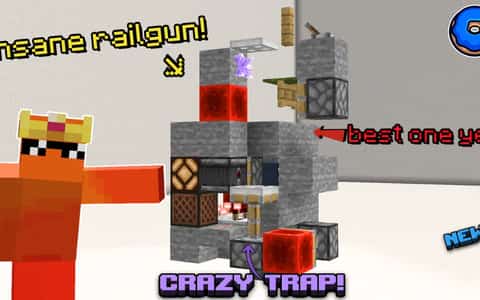
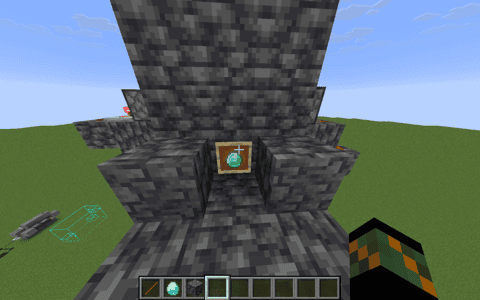
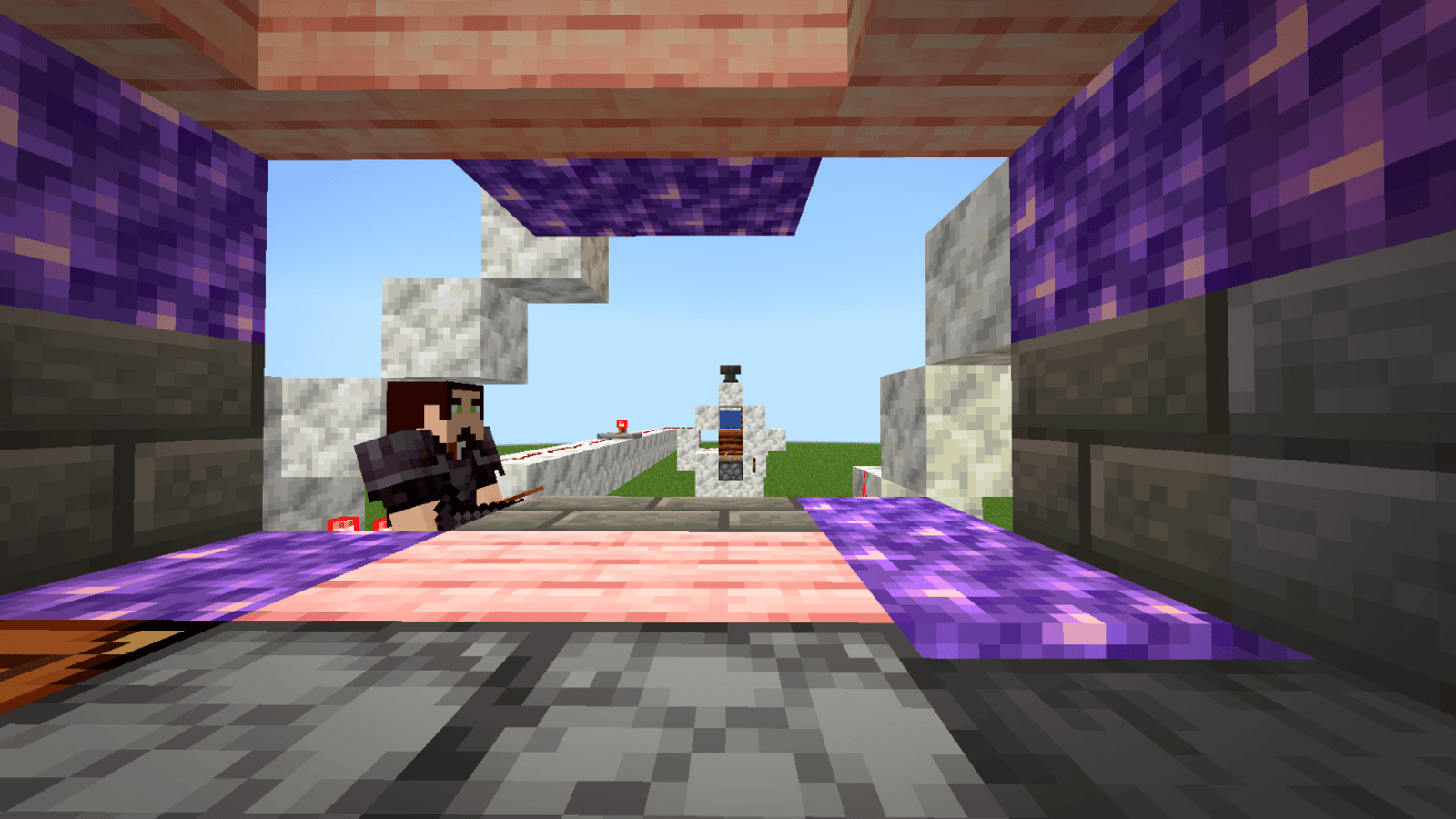
Here is a detailed breakdown of how the hidden trap mechanic operates step-by-step:
1. The Bait (The Gambling Droppers)
The Setup: Right in front of the player, place standard droppers loaded with random items or minor loot to simulate a "gambling" or "loot drop" machine.
The Trigger: Wooden or stone pressure plates are placed right where the player naturally stands to check or use the droppers.
2. The Link (Redstone & Composter Detection)
The Composter: The composter acts as the hidden control hub or storage core for your ammunition system.
The Ammunition: You load it with 50 arrows in total (10 arrows from each tier, from Power I to Power V). This ensures massive, lethal damage output when fired.
The Connection: When the player steps on the pressure plate to interact with the gambling area, it triggers a hidden redstone line activate the railgun
Details
Initializing...
Rough estimate using the latest auction house (/ah) price history. Actual in-game prices can vary.
| Material | Unit Price | Count | Subtotal |
|---|---|---|---|
| $2,272.00 | 42 | $95,424.00 | |
| $7,495.00 | 12 | $89,940.00 | |
| $4,697.50 | 10 | $46,975.00 | |
| $7,998.44 | 4 | $31,993.75 | |
| $20,257.81 | 1 | $20,257.81 | |
| $2,496.50 | 8 | $19,972.00 | |
| $1,828.90 | 7 | $12,802.29 | |
| $692.19 | 17 | $11,767.19 | |
| $2,332.02 | 4 | $9,328.09 | |
| $374.92 | 21 | $7,873.36 | |
| $6,000.00 | 1 | $6,000.00 | |
| $3,750.00 | 1 | $3,750.00 | |
| $1,398.50 | 2 | $2,797.00 | |
| $851.56 | 2 | $1,703.12 | |
| $1,475.78 | 1 | $1,475.78 | |
| N/A | 2 | N/A | |
| N/A | 121 | N/A | |
| N/A | 1 | N/A | |
| N/A | 5 | N/A | |
| N/A | 1 | N/A | |
| N/A | 36 | N/A | |
| N/A | 85 | N/A | |
| N/A | 1 | N/A | |
| N/A | 1 | N/A | |
| N/A | 8 | N/A | |
| N/A | 2 | N/A | |
| Total | $362,059.39 | ||


Comments
Sign in to leave a comment.
No comments yet.
How to Use This Schematic
To use this schematic in your Minecraft world, you will need the Litematica mod installed on Minecraft Java Edition.
- Install Litematica using Fabric or Forge.
- Place the .litematic file inside your schematics folder.
- Launch Minecraft and open the Litematica menu.
- Load the schematic and position it in your world.
- Begin placing blocks following the preview overlay.
Tips & Requirements
You will need Minecraft Java Edition with the correct version of Litematica installed.
If the file does not appear in-game, confirm the .litematic file is in your schematics folder and that your mod version matches your game version.
Use the placement preview before building so you can rotate or move the structure if needed.
Learn More
Import the file into your preferred schematic tool and verify version compatibility before placing it in-game.