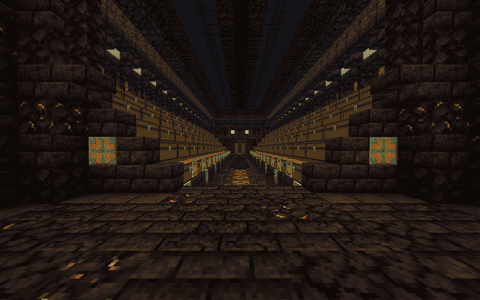
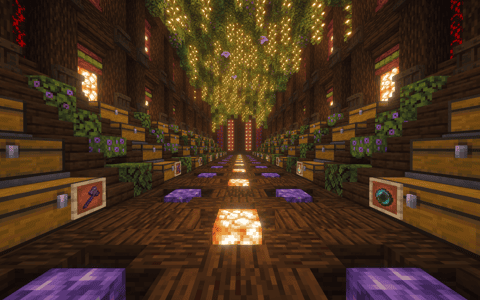
PAPA’s Red Thread Atelier Regear Base
User Description
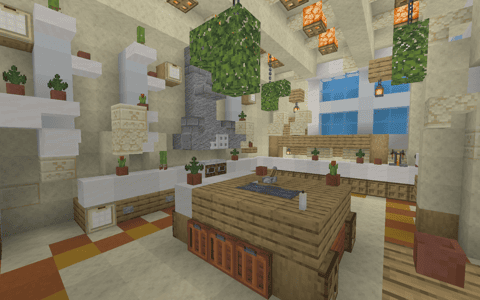
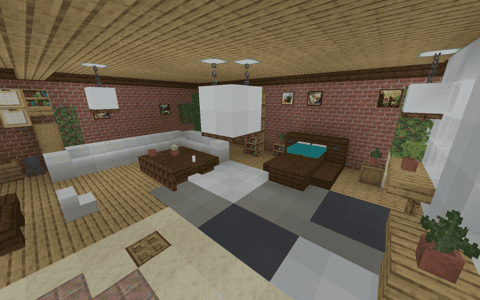
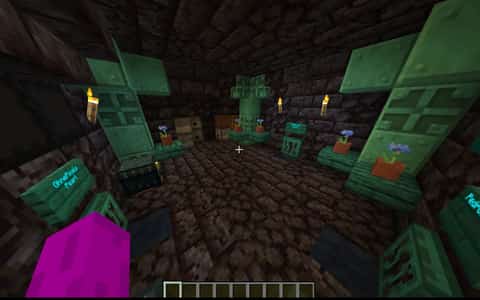
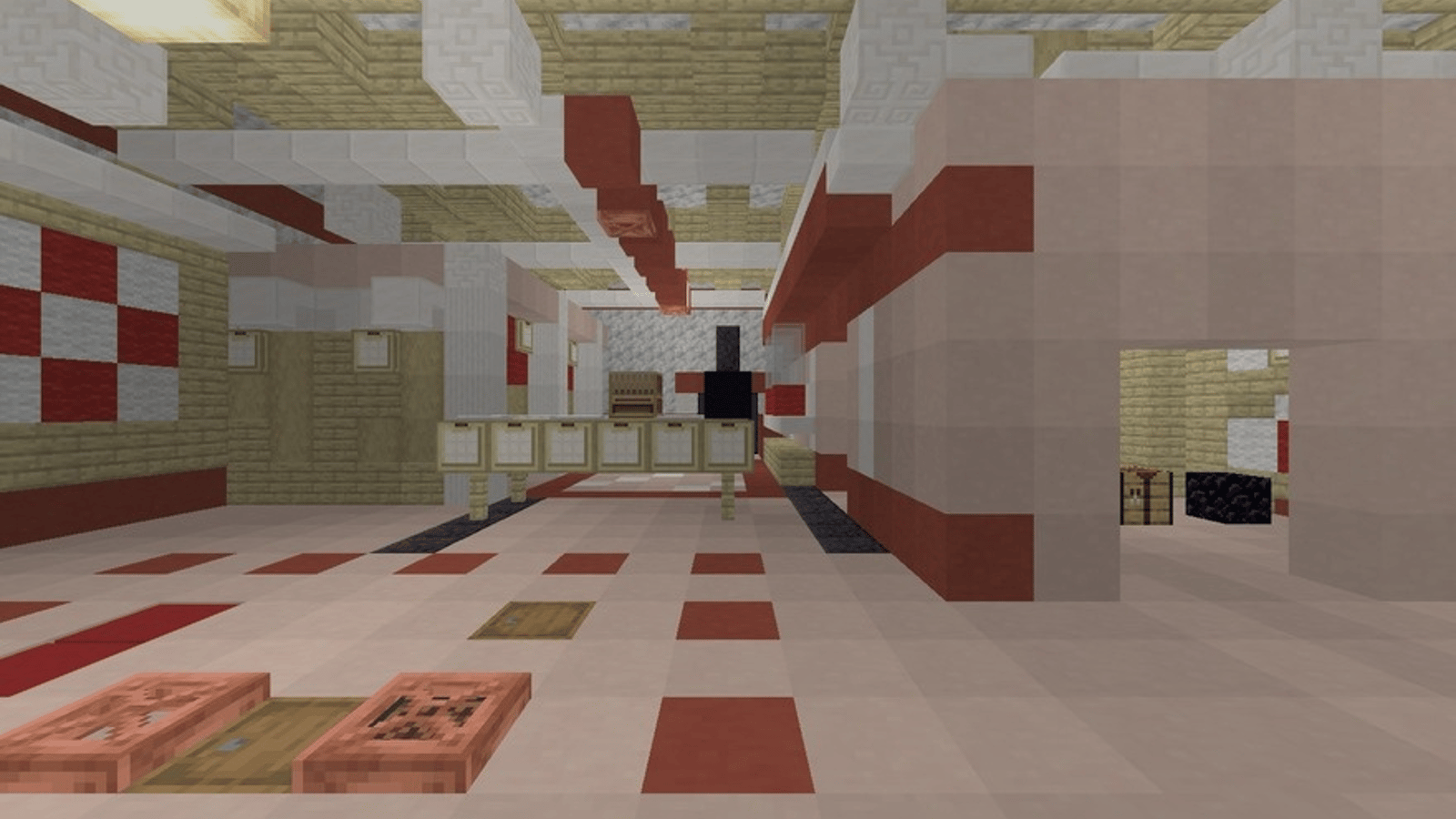
Red Thread Atelier expands the outfitting theme into a Minecraft regear base with the feel of a working tailor's studio. An L-shaped shop partition separates the interior into purposeful spaces, from fitting rooms to a long cutting table and the atelier beyond. Red and pale finishes carry the visual identity through the furnished rooms, while the rear work area gives the floor regear a fitting home. Pearl stasis and sleeping spaces complete the underground retreat. Explore this Minecraft studio schematic if you prefer a base with distinct work areas and an architectural layout that makes the theme feel
Details
Initializing...
Rough estimate using the latest auction house (/ah) price history. Actual in-game prices can vary.
| Material | Unit Price | Count | Subtotal |
|---|---|---|---|
| $882.02 | 3262 | $2,877,160.45 | |
| $5,078.13 | 264 | $1,340,625.00 | |
| $3,476.56 | 283 | $983,867.19 | |
| $75,000.00 | 8 | $600,000.00 | |
| $1,141.49 | 246 | $280,807.29 | |
| $52,000.00 | 4 | $208,000.00 | |
| $9,343.75 | 21 | $196,218.75 | |
| $15,599.42 | 8 | $124,795.38 | |
| $5,117.19 | 24 | $122,812.50 | |
| $4,140.62 | 28 | $115,937.28 | |
| $2,320.31 | 48 | $111,375.00 | |
| $4,122.50 | 14 | $57,715.00 | |
| $17,500.00 | 3 | $52,500.00 | |
| $3,247.00 | 15 | $48,705.00 | |
| $21,562.50 | 2 | $43,125.00 | |
| $6,328.13 | 6 | $37,968.75 | |
| $8,554.69 | 4 | $34,218.75 | |
| $8,099.50 | 4 | $32,397.98 | |
| $9,765.63 | 3 | $29,296.88 | |
| $13,719.75 | 2 | $27,439.50 | |
| $1,126.56 | 17 | $19,151.56 | |
| $15,450.00 | 1 | $15,450.00 | |
| $2,272.00 | 6 | $13,632.00 | |
| $3,203.13 | 4 | $12,812.50 | |
| $2,496.50 | 4 | $9,986.00 | |
| $4,697.50 | 2 | $9,395.00 | |
| $1,850.00 | 5 | $9,250.00 | |
| $7,998.44 | 1 | $7,998.44 | |
| $6,000.00 | 1 | $6,000.00 | |
| $1,398.50 | 4 | $5,594.00 | |
| $3,750.00 | 1 | $3,750.00 | |
| $2,500.00 | 1 | $2,500.00 | |
| $2,343.75 | 1 | $2,343.75 | |
| $1,828.90 | 1 | $1,828.90 | |
| $851.56 | 2 | $1,703.12 | |
| N/A | 1 | N/A | |
| N/A | 5 | N/A | |
| N/A | 1 | N/A | |
| N/A | 1269 | N/A | |
| N/A | 4 | N/A | |
| N/A | 4 | N/A | |
| N/A | 176 | N/A | |
| N/A | 27 | N/A | |
| N/A | 33 | N/A | |
| N/A | 498 | N/A | |
| N/A | 116 | N/A | |
| N/A | 8 | N/A | |
| N/A | 2 | N/A | |
| N/A | 772 | N/A | |
| N/A | 3 | N/A | |
| N/A | 24 | N/A | |
| N/A | 6 | N/A | |
| N/A | 13 | N/A | |
| N/A | 25 | N/A | |
| N/A | 8 | N/A | |
| N/A | 2 | N/A | |
| N/A | 1 | N/A | |
| N/A | 3 | N/A | |
| N/A | 1 | N/A | |
| Total | $7,446,360.96 | ||


Comments
Sign in to leave a comment.
No comments yet.
How to Use This Schematic
To use this schematic in your Minecraft world, you will need the Litematica mod installed on Minecraft Java Edition.
- Install Litematica using Fabric or Forge.
- Place the .litematic file inside your schematics folder.
- Launch Minecraft and open the Litematica menu.
- Load the schematic and position it in your world.
- Begin placing blocks following the preview overlay.
Tips & Requirements
You will need Minecraft Java Edition with the correct version of Litematica installed.
If the file does not appear in-game, confirm the .litematic file is in your schematics folder and that your mod version matches your game version.
Use the placement preview before building so you can rotate or move the structure if needed.
Learn More
Import the file into your preferred schematic tool and verify version compatibility before placing it in-game.