PAPA’s Neon Underground Regear Base
User Description
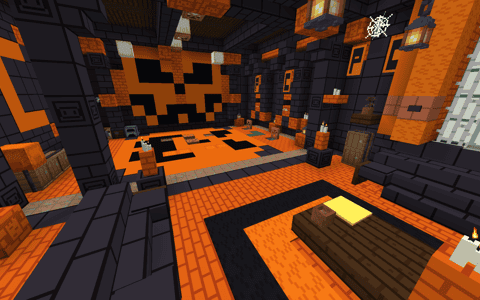
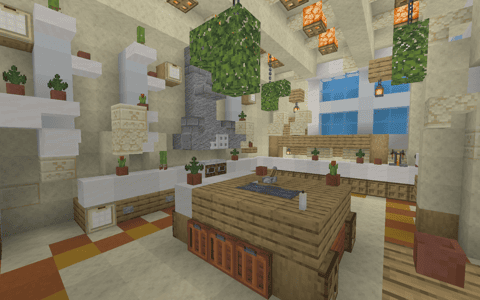
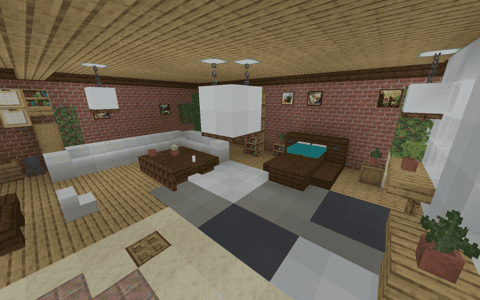
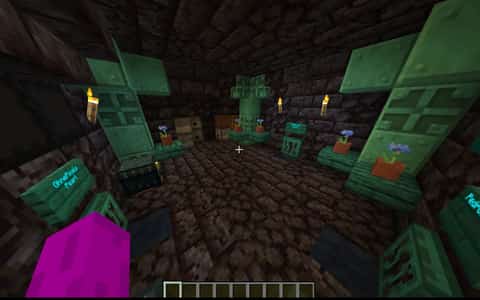
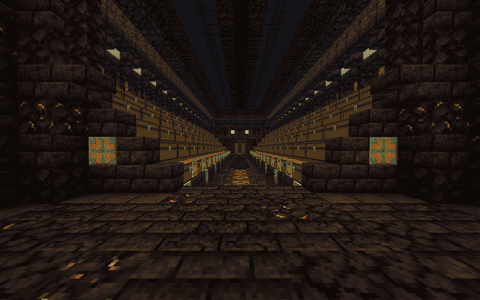
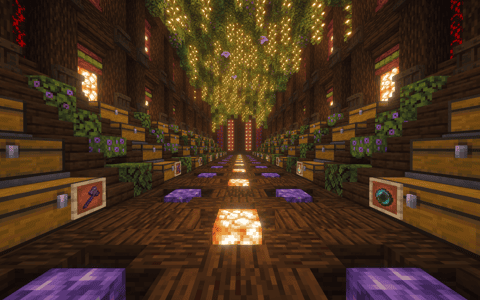
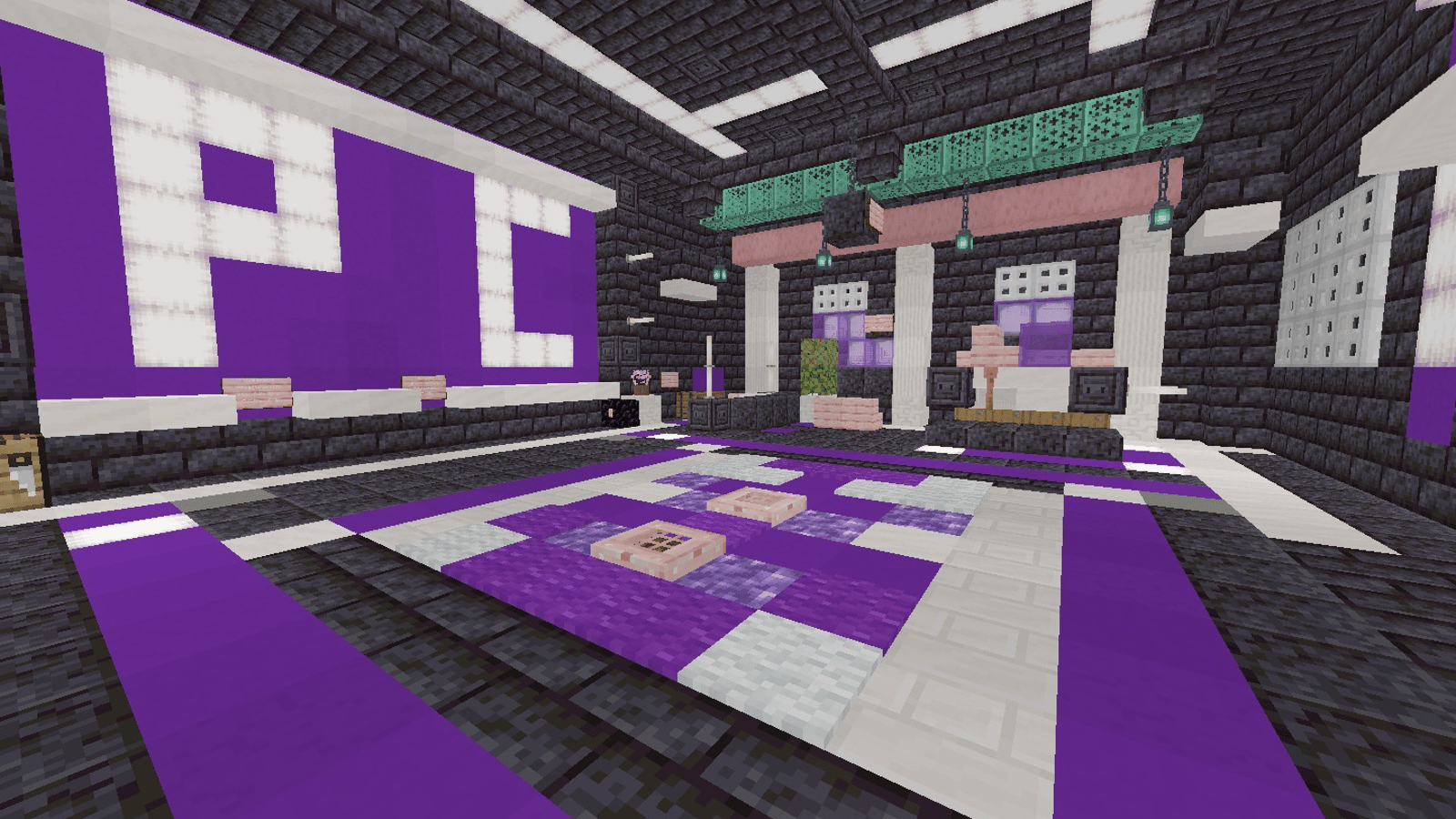
Neon Underground packs a bold purple-and-cyan identity into a furnished Minecraft regear room. Bright accents stand out against the dark interior, with geometric floor patterns and P/C details giving the space an immediately recognizable look. The floor regear stays within the main room, and pearl stasis adds a practical reason to return after a trip outside. Its appeal is the contrast between the dark underground setting and the luminous colors inside. Use this Minecraft base schematic when you want a colorful regear hideout with a clear visual identity and a straightforward interior to show off.
Details
Initializing...
Rough estimate using the latest auction house (/ah) price history. Actual in-game prices can vary.
| Material | Unit Price | Count | Subtotal |
|---|---|---|---|
| $3,476.56 | 950 | $3,302,734.38 | |
| $882.02 | 2222 | $1,959,856.08 | |
| $163,187.50 | 9 | $1,468,687.50 | |
| $4,140.62 | 282 | $1,167,654.05 | |
| $137,000.00 | 6 | $822,000.00 | |
| $46,500.00 | 15 | $697,500.00 | |
| $3,770.81 | 153 | $576,934.31 | |
| $21,562.50 | 8 | $172,500.00 | |
| $5,117.19 | 32 | $163,750.00 | |
| $2,398.44 | 36 | $86,343.75 | |
| $3,057.07 | 21 | $64,198.37 | |
| $6,328.13 | 10 | $63,281.25 | |
| $4,122.50 | 14 | $57,715.00 | |
| $17,500.00 | 3 | $52,500.00 | |
| $3,247.00 | 15 | $48,705.00 | |
| $3,281.25 | 14 | $45,937.50 | |
| $8,099.50 | 4 | $32,397.98 | |
| $13,719.75 | 2 | $27,439.50 | |
| $5,484.38 | 4 | $21,937.50 | |
| $2,272.00 | 6 | $13,632.00 | |
| $6,000.00 | 2 | $12,000.00 | |
| $2,496.50 | 4 | $9,986.00 | |
| $4,697.50 | 2 | $9,395.00 | |
| $1,850.00 | 5 | $9,250.00 | |
| $7,998.44 | 1 | $7,998.44 | |
| $1,398.50 | 4 | $5,594.00 | |
| $3,750.00 | 1 | $3,750.00 | |
| $1,828.90 | 1 | $1,828.90 | |
| $851.56 | 2 | $1,703.12 | |
| $257.81 | 1 | $257.81 | |
| N/A | 15 | N/A | |
| N/A | 1 | N/A | |
| N/A | 1 | N/A | |
| N/A | 12 | N/A | |
| N/A | 4 | N/A | |
| N/A | 8 | N/A | |
| N/A | 8 | N/A | |
| N/A | 2 | N/A | |
| N/A | 1 | N/A | |
| N/A | 2 | N/A | |
| N/A | 8 | N/A | |
| N/A | 2 | N/A | |
| N/A | 16 | N/A | |
| N/A | 85 | N/A | |
| N/A | 8 | N/A | |
| N/A | 1 | N/A | |
| N/A | 4 | N/A | |
| N/A | 444 | N/A | |
| N/A | 11 | N/A | |
| N/A | 1 | N/A | |
| N/A | 39 | N/A | |
| N/A | 28 | N/A | |
| N/A | 10 | N/A | |
| N/A | 20 | N/A | |
| N/A | 98 | N/A | |
| N/A | 1 | N/A | |
| N/A | 4 | N/A | |
| N/A | 27 | N/A | |
| N/A | 46 | N/A | |
| N/A | 46 | N/A | |
| N/A | 12 | N/A | |
| Total | $10,907,467.43 | ||


Comments
Sign in to leave a comment.
No comments yet.
How to Use This Schematic
To use this schematic in your Minecraft world, you will need the Litematica mod installed on Minecraft Java Edition.
- Install Litematica using Fabric or Forge.
- Place the .litematic file inside your schematics folder.
- Launch Minecraft and open the Litematica menu.
- Load the schematic and position it in your world.
- Begin placing blocks following the preview overlay.
Tips & Requirements
You will need Minecraft Java Edition with the correct version of Litematica installed.
If the file does not appear in-game, confirm the .litematic file is in your schematics folder and that your mod version matches your game version.
Use the placement preview before building so you can rotate or move the structure if needed.
Learn More
Import the file into your preferred schematic tool and verify version compatibility before placing it in-game.