PAPA’s Last Reel Screening Rooms Regear Base
User Description
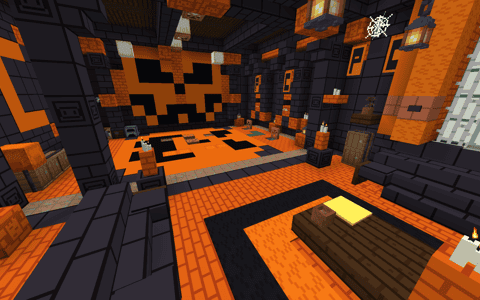
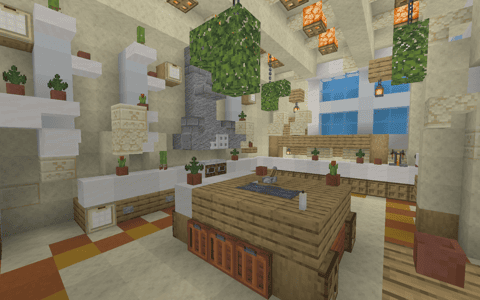
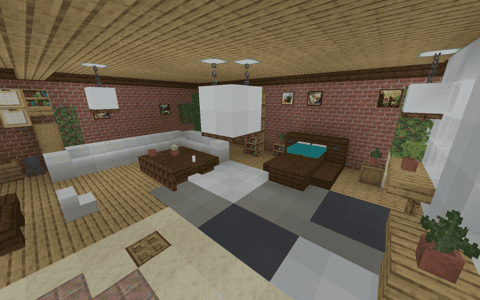
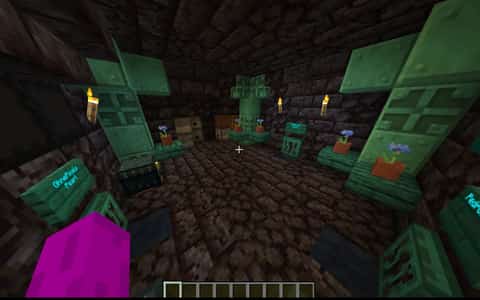
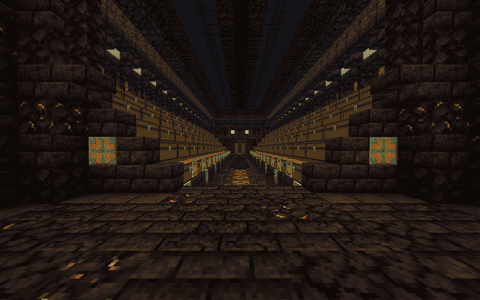
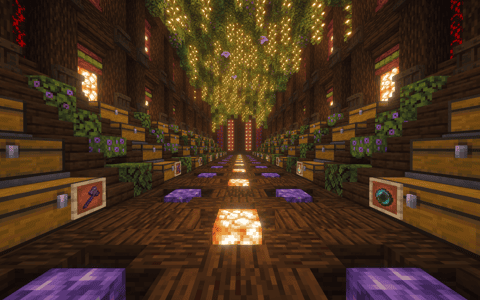
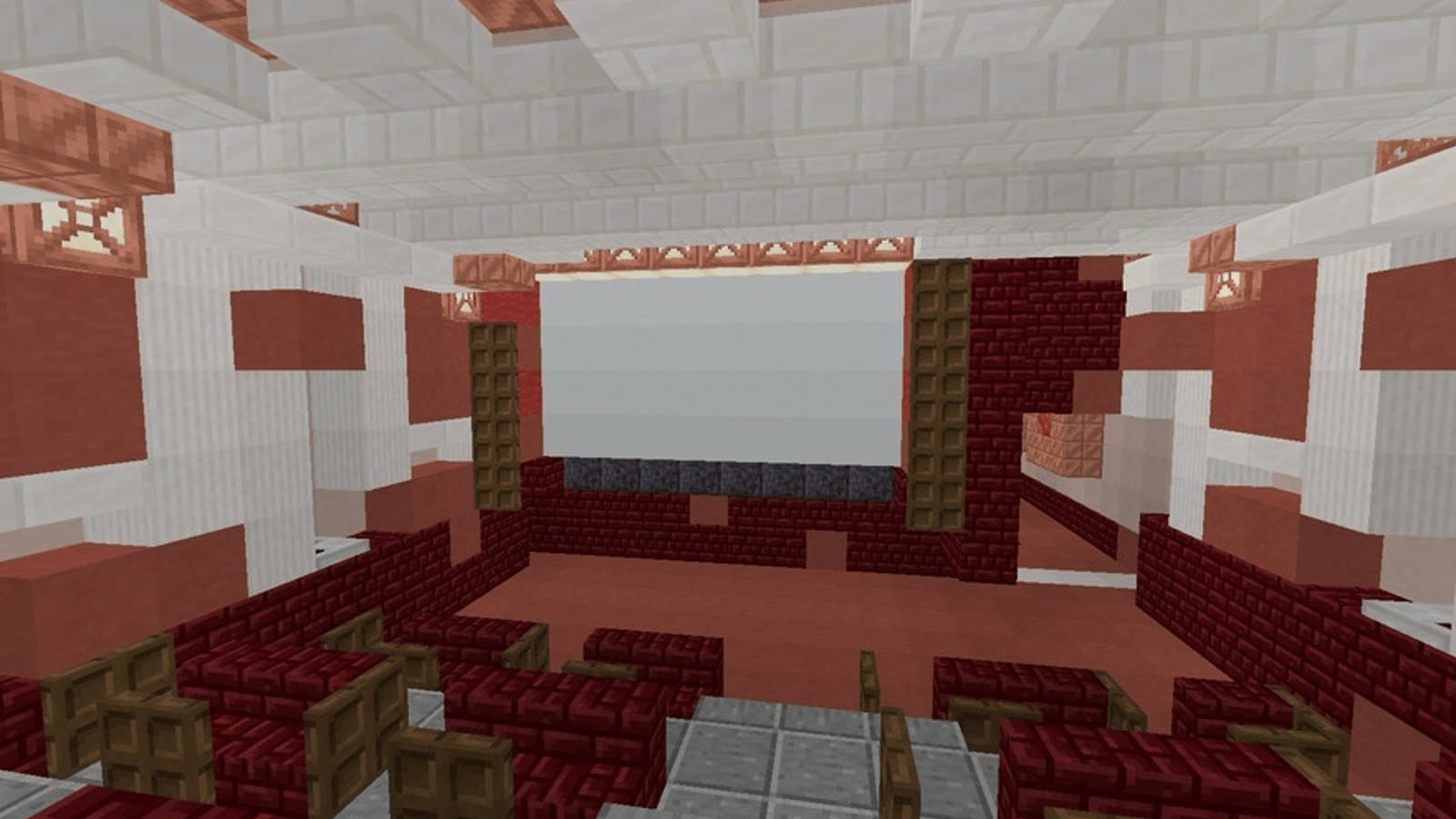
Last Reel Screening Rooms gives a cinema-themed Minecraft base a more layered layout. The entrance regear lobby leads through a side passage into a terraced auditorium, creating a clear transition from the practical base area to the main screening space. A separate sleeping corridor adds another part of the interior to explore, while pearl stasis keeps the hideout connected to its regear purpose. This underground movie-theater schematic is for players who enjoy a base with distinct rooms and a little anticipation, where the walk toward the auditorium feels like the beginning of a private cinema visit.
Details
Initializing...
Rough estimate using the latest auction house (/ah) price history. Actual in-game prices can vary.
| Material | Unit Price | Count | Subtotal |
|---|---|---|---|
| $882.02 | 3406 | $3,004,171.83 | |
| $7,812.50 | 252 | $1,968,750.00 | |
| $3,476.56 | 283 | $983,867.19 | |
| $5,117.19 | 103 | $527,070.31 | |
| $4,140.62 | 122 | $505,155.30 | |
| $46,500.00 | 8 | $372,000.00 | |
| $89,950.00 | 4 | $359,800.00 | |
| $52,000.00 | 4 | $208,000.00 | |
| $1,849.25 | 105 | $194,171.25 | |
| $9,843.75 | 6 | $59,062.50 | |
| $4,122.50 | 14 | $57,715.00 | |
| $17,500.00 | 3 | $52,500.00 | |
| $3,247.00 | 15 | $48,705.00 | |
| $8,554.69 | 5 | $42,773.44 | |
| $1,091.38 | 32 | $34,924.00 | |
| $8,099.50 | 4 | $32,397.98 | |
| $13,719.75 | 2 | $27,439.50 | |
| $2,398.44 | 8 | $19,187.50 | |
| $2,726.56 | 7 | $19,085.94 | |
| $2,272.00 | 6 | $13,632.00 | |
| $2,500.00 | 4 | $10,000.00 | |
| $2,496.50 | 4 | $9,986.00 | |
| $4,697.50 | 2 | $9,395.00 | |
| $2,320.31 | 4 | $9,281.25 | |
| $1,850.00 | 5 | $9,250.00 | |
| $7,998.44 | 1 | $7,998.44 | |
| $6,000.00 | 1 | $6,000.00 | |
| $1,398.50 | 4 | $5,594.00 | |
| $3,750.00 | 1 | $3,750.00 | |
| $1,202.34 | 2 | $2,404.67 | |
| $2,343.75 | 1 | $2,343.75 | |
| $1,828.90 | 1 | $1,828.90 | |
| $851.56 | 2 | $1,703.12 | |
| N/A | 5 | N/A | |
| N/A | 1 | N/A | |
| N/A | 4 | N/A | |
| N/A | 4 | N/A | |
| N/A | 123 | N/A | |
| N/A | 149 | N/A | |
| N/A | 233 | N/A | |
| N/A | 671 | N/A | |
| N/A | 120 | N/A | |
| N/A | 31 | N/A | |
| N/A | 2 | N/A | |
| N/A | 40 | N/A | |
| N/A | 1417 | N/A | |
| N/A | 46 | N/A | |
| N/A | 630 | N/A | |
| N/A | 5 | N/A | |
| N/A | 10 | N/A | |
| N/A | 2 | N/A | |
| N/A | 7 | N/A | |
| N/A | 16 | N/A | |
| N/A | 33 | N/A | |
| N/A | 28 | N/A | |
| N/A | 9 | N/A | |
| N/A | 1 | N/A | |
| Total | $8,609,943.86 | ||


Comments
Sign in to leave a comment.
No comments yet.
How to Use This Schematic
To use this schematic in your Minecraft world, you will need the Litematica mod installed on Minecraft Java Edition.
- Install Litematica using Fabric or Forge.
- Place the .litematic file inside your schematics folder.
- Launch Minecraft and open the Litematica menu.
- Load the schematic and position it in your world.
- Begin placing blocks following the preview overlay.
Tips & Requirements
You will need Minecraft Java Edition with the correct version of Litematica installed.
If the file does not appear in-game, confirm the .litematic file is in your schematics folder and that your mod version matches your game version.
Use the placement preview before building so you can rotate or move the structure if needed.
Learn More
Import the file into your preferred schematic tool and verify version compatibility before placing it in-game.