PAPA’s Amethyst Hearth Regear Base
User Description
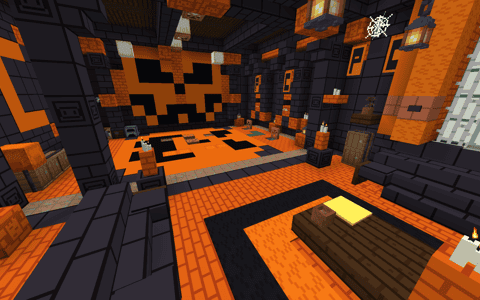
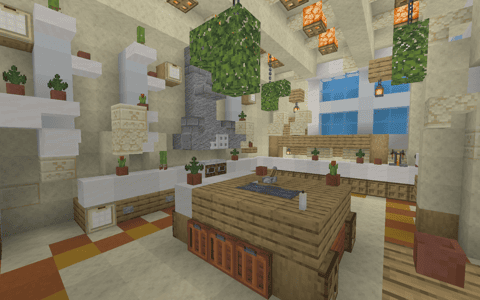
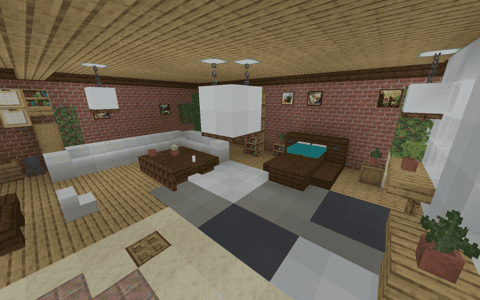
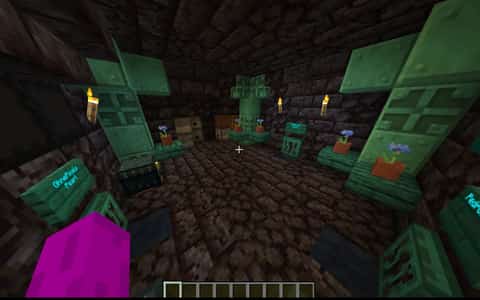
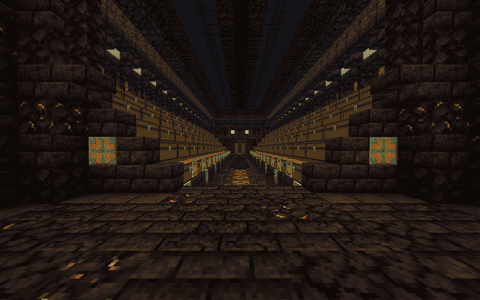
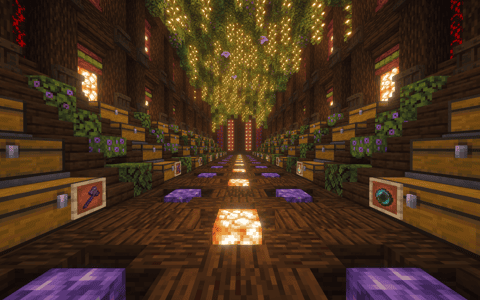
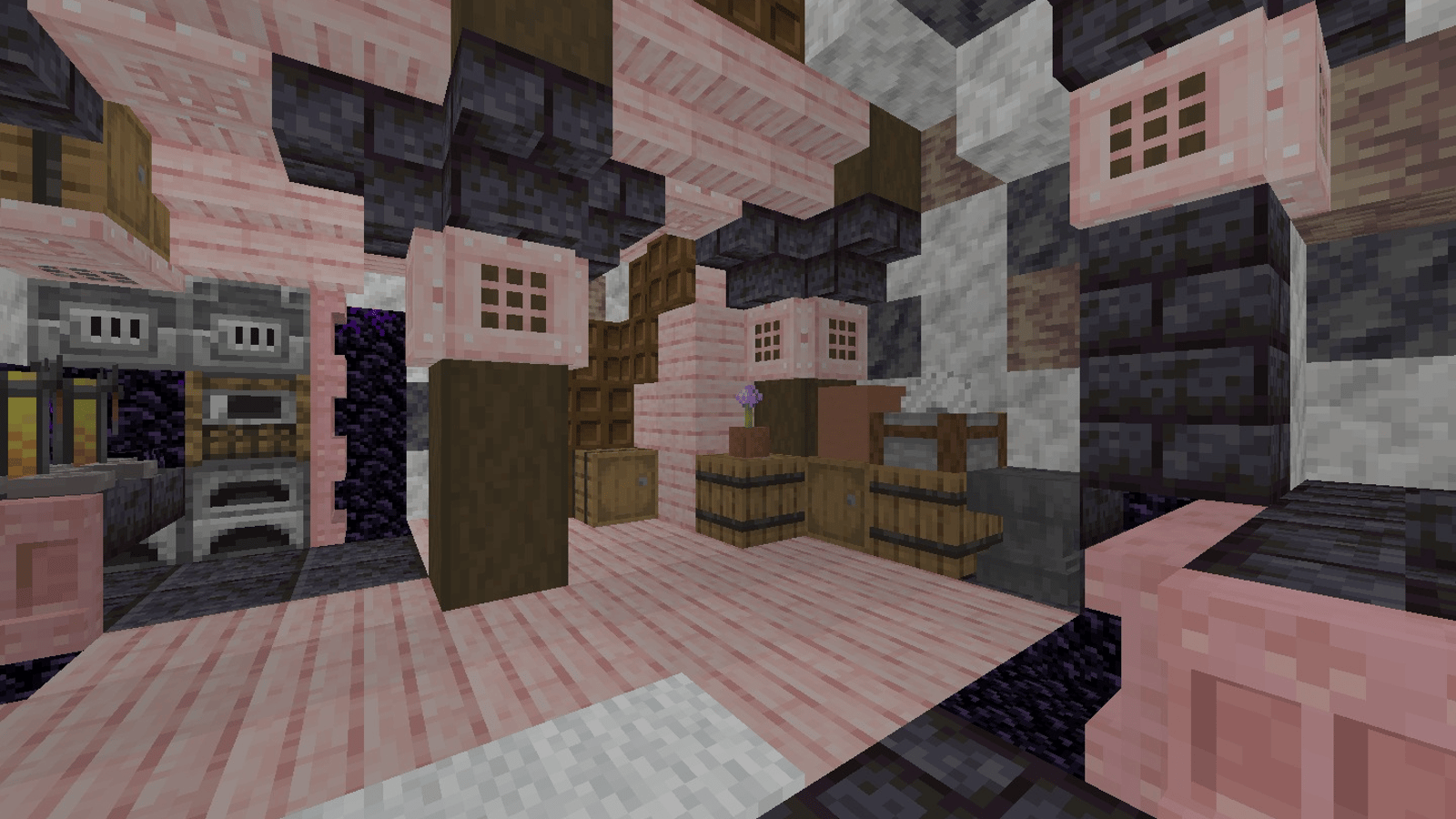
Settle into Amethyst Hearth, a cozy Minecraft cave base where the stone contours shape the room around you. Warm furnishings and greenery soften the underground setting, creating a place that feels inhabited rather than hollowed out for storage. The regear area sits within the furnished interior, with pearl stasis and sleeping spaces close at hand. Its charm comes from the balance between rugged cave walls and carefully placed domestic details. If you enjoy underground Minecraft bases with a comfortable hideaway atmosphere, this cave regear schematic gives you a retreat worth spending time in between adventures.
Details
Initializing...
Rough estimate using the latest auction house (/ah) price history. Actual in-game prices can vary.
| Material | Unit Price | Count | Subtotal |
|---|---|---|---|
| $882.02 | 2314 | $2,041,002.24 | |
| $163,187.50 | 8 | $1,305,500.00 | |
| $3,476.56 | 185 | $643,164.06 | |
| $4,140.62 | 141 | $583,827.02 | |
| $6,328.13 | 24 | $151,875.00 | |
| $74,950.00 | 2 | $149,900.00 | |
| $39,999.50 | 2 | $79,999.00 | |
| $74,500.00 | 1 | $74,500.00 | |
| $4,122.50 | 14 | $57,715.00 | |
| $17,500.00 | 3 | $52,500.00 | |
| $3,247.00 | 15 | $48,705.00 | |
| $6,390.63 | 6 | $38,343.75 | |
| $8,099.50 | 4 | $32,397.98 | |
| $13,719.75 | 2 | $27,439.50 | |
| $2,272.00 | 6 | $13,632.00 | |
| $6,000.00 | 2 | $12,000.00 | |
| $2,496.50 | 4 | $9,986.00 | |
| $9,765.63 | 1 | $9,765.63 | |
| $4,697.50 | 2 | $9,395.00 | |
| $1,850.00 | 5 | $9,250.00 | |
| $7,998.44 | 1 | $7,998.44 | |
| $1,398.50 | 4 | $5,594.00 | |
| $3,057.07 | 1 | $3,057.07 | |
| $1,828.90 | 1 | $1,828.90 | |
| $851.56 | 2 | $1,703.12 | |
| $843.75 | 2 | $1,687.50 | |
| $257.81 | 2 | $515.63 | |
| N/A | 1 | N/A | |
| N/A | 49 | N/A | |
| N/A | 2 | N/A | |
| N/A | 1 | N/A | |
| N/A | 855 | N/A | |
| N/A | 2 | N/A | |
| N/A | 4 | N/A | |
| N/A | 4 | N/A | |
| N/A | 1 | N/A | |
| N/A | 16 | N/A | |
| N/A | 2 | N/A | |
| N/A | 15 | N/A | |
| N/A | 2 | N/A | |
| N/A | 194 | N/A | |
| N/A | 16 | N/A | |
| N/A | 3 | N/A | |
| N/A | 8 | N/A | |
| N/A | 70 | N/A | |
| N/A | 2 | N/A | |
| N/A | 13 | N/A | |
| N/A | 1 | N/A | |
| N/A | 88 | N/A | |
| N/A | 260 | N/A | |
| N/A | 61 | N/A | |
| N/A | 1 | N/A | |
| N/A | 2 | N/A | |
| N/A | 7 | N/A | |
| N/A | 1 | N/A | |
| N/A | 1 | N/A | |
| N/A | 19 | N/A | |
| N/A | 28 | N/A | |
| N/A | 4 | N/A | |
| N/A | 96 | N/A | |
| N/A | 2 | N/A | |
| N/A | 3 | N/A | |
| N/A | 7 | N/A | |
| N/A | 2 | N/A | |
| N/A | 89 | N/A | |
| Total | $5,373,281.83 | ||


Comments
Sign in to leave a comment.
No comments yet.
How to Use This Schematic
To use this schematic in your Minecraft world, you will need the Litematica mod installed on Minecraft Java Edition.
- Install Litematica using Fabric or Forge.
- Place the .litematic file inside your schematics folder.
- Launch Minecraft and open the Litematica menu.
- Load the schematic and position it in your world.
- Begin placing blocks following the preview overlay.
Tips & Requirements
You will need Minecraft Java Edition with the correct version of Litematica installed.
If the file does not appear in-game, confirm the .litematic file is in your schematics folder and that your mod version matches your game version.
Use the placement preview before building so you can rotate or move the structure if needed.
Learn More
Import the file into your preferred schematic tool and verify version compatibility before placing it in-game.