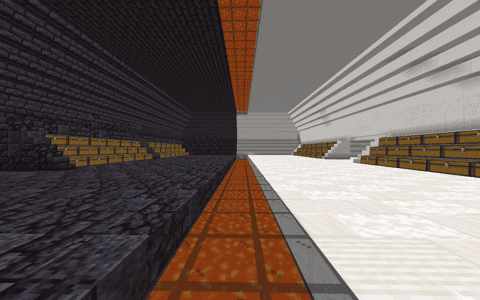
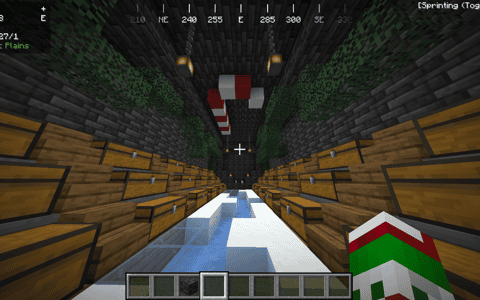
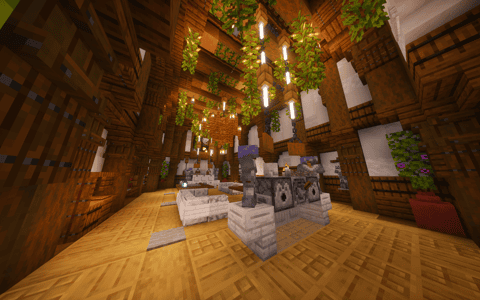
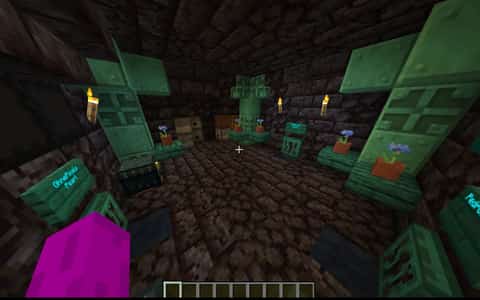
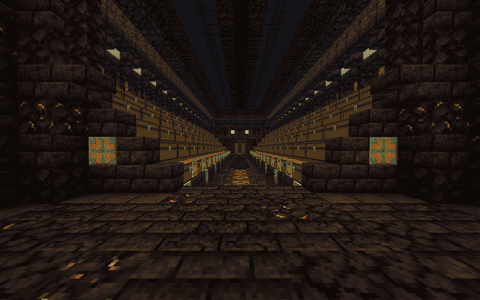
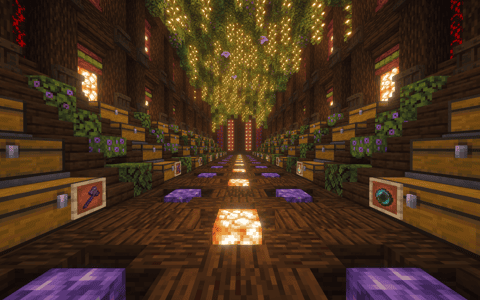
owner of the DrDonut Stash this took me almost 7 months i made account forgot floor but i added it
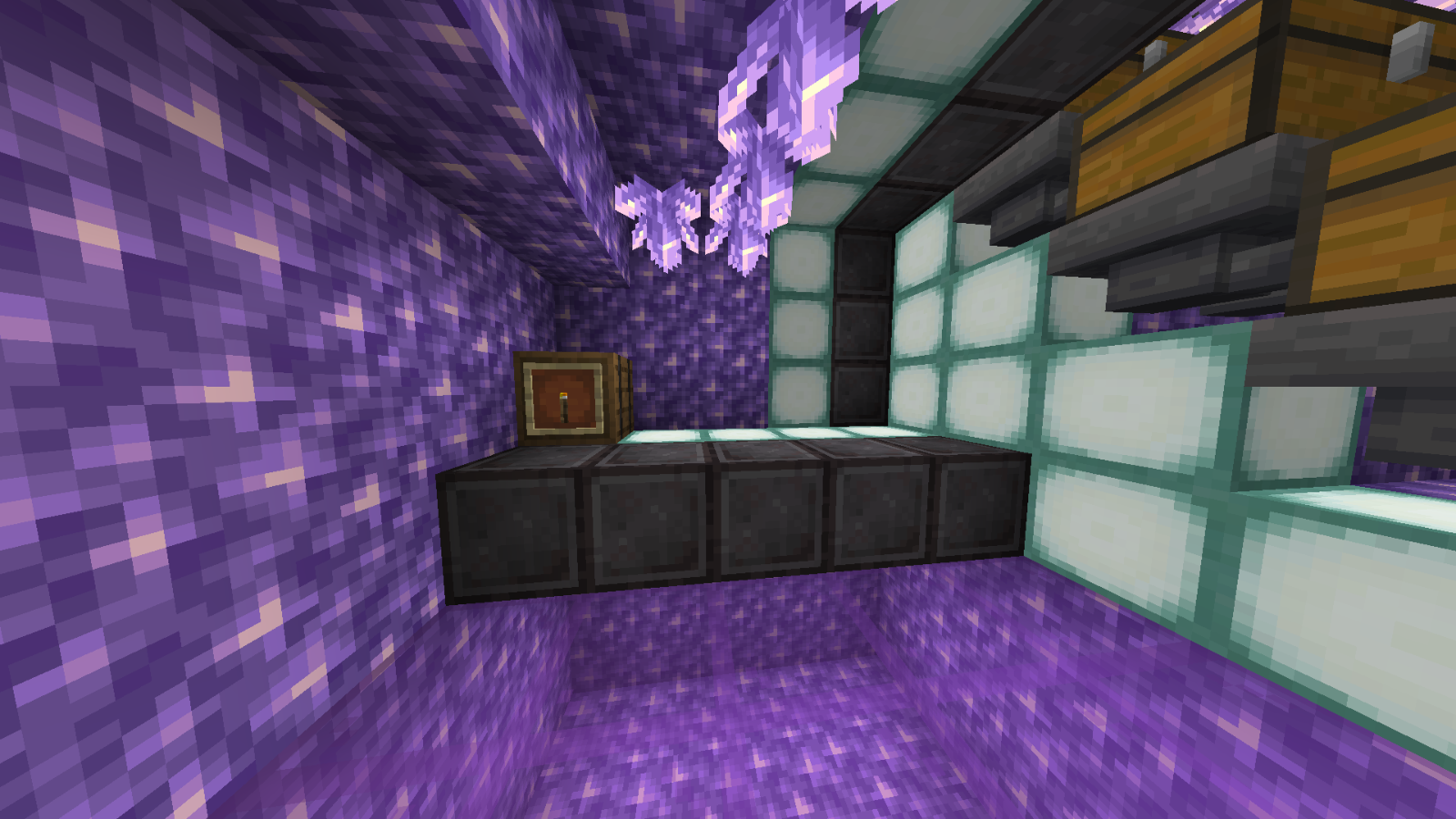
User Description
Sorry new version forgot floor
Details
Initializing...
Rough estimate using the latest auction house (/ah) price history. Actual in-game prices can vary.
| Material | Unit Price | Count | Subtotal |
|---|---|---|---|
| $45,000.00 | 420 | $18,900,000.00 | |
| $4,365.00 | 311 | $1,357,515.00 | |
| $1,739.13 | 586 | $1,019,130.43 | |
| $100,000.00 | 2 | $200,000.00 | |
| $2,656.25 | 73 | $193,906.25 | |
| $6,349.21 | 25 | $158,730.16 | |
| $22,500.00 | 7 | $157,500.00 | |
| $264.05 | 336 | $88,719.75 | |
| $4,494.00 | 15 | $67,410.00 | |
| $3,058.00 | 20 | $61,160.00 | |
| $468.59 | 62 | $29,052.81 | |
| $1,562.50 | 8 | $12,500.00 | |
| $8,599.00 | 1 | $8,599.00 | |
| $6,250.00 | 1 | $6,250.00 | |
| $1,014.06 | 6 | $6,084.38 | |
| $1,199.00 | 5 | $5,995.00 | |
| $992.00 | 4 | $3,968.00 | |
| $1,500.00 | 2 | $3,000.00 | |
| $2,394.00 | 1 | $2,394.00 | |
| $1,900.00 | 1 | $1,900.00 | |
| $550.00 | 2 | $1,100.00 | |
| N/A | 5 | N/A | |
| N/A | 475 | N/A | |
| N/A | 10 | N/A | |
| N/A | 1 | N/A | |
| N/A | 1 | N/A | |
| N/A | 6 | N/A | |
| N/A | 40 | N/A | |
| N/A | 2489 | N/A | |
| N/A | 431 | N/A | |
| N/A | 4 | N/A | |
| N/A | 508 | N/A | |
| N/A | 2 | N/A | |
| N/A | 23 | N/A | |
| N/A | 2 | N/A | |
| Total | $22,284,914.78 | ||


Comments
Sign in to leave a comment.
Alex Tobar
about 2 months ago
https://www.youtube.com/@adotstate is my youtube channel originally owned by my dad but he gave me it
Alex Tobar
about 2 months ago
hi welcome i had to repost this cause i forgot to add floor to the other one
How to Use This Schematic
To use this schematic in your Minecraft world, you will need the Litematica mod installed on Minecraft Java Edition.
- Install Litematica using Fabric or Forge.
- Place the .litematic file inside your schematics folder.
- Launch Minecraft and open the Litematica menu.
- Load the schematic and position it in your world.
- Begin placing blocks following the preview overlay.
Tips & Requirements
You will need Minecraft Java Edition with the correct version of Litematica installed.
If the file does not appear in-game, confirm the .litematic file is in your schematics folder and that your mod version matches your game version.
Use the placement preview before building so you can rotate or move the structure if needed.
Learn More
Import the file into your preferred schematic tool and verify version compatibility before placing it in-game.