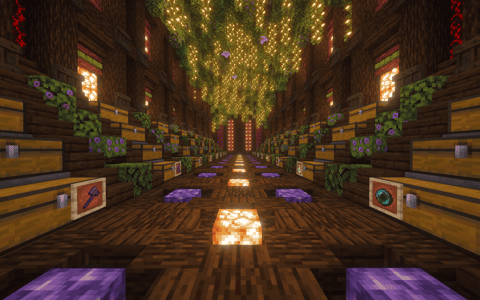
Jax Stash TADC
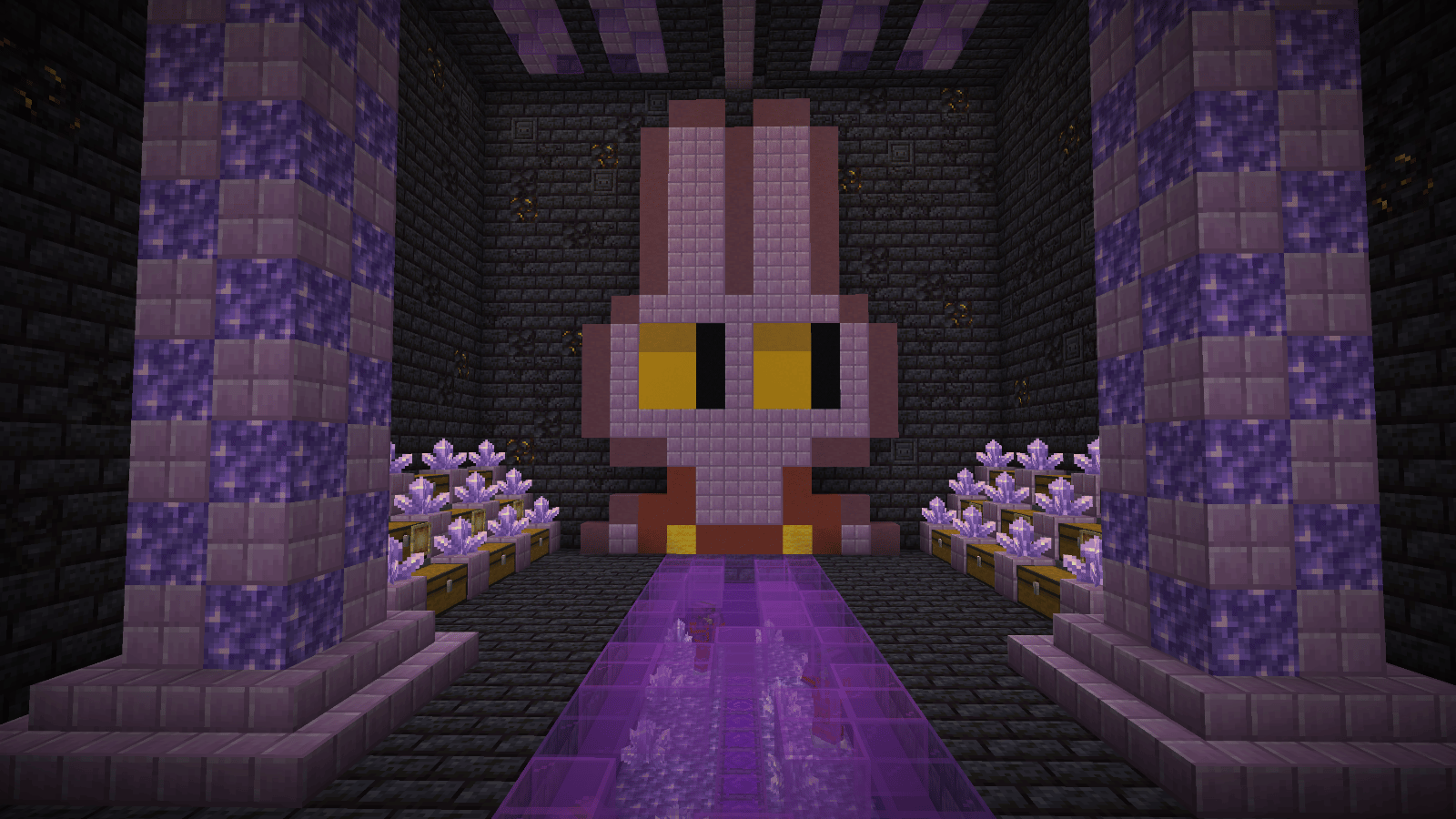
User Description
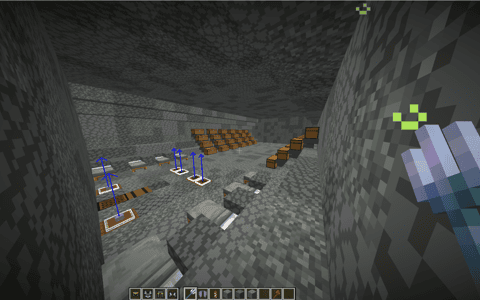
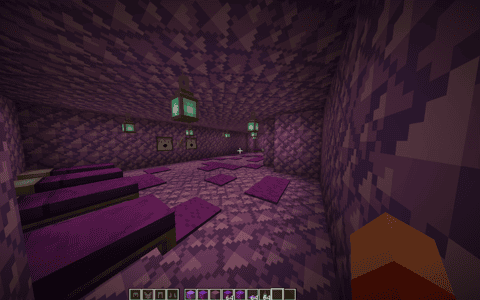
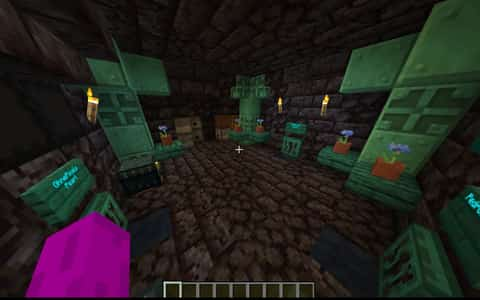
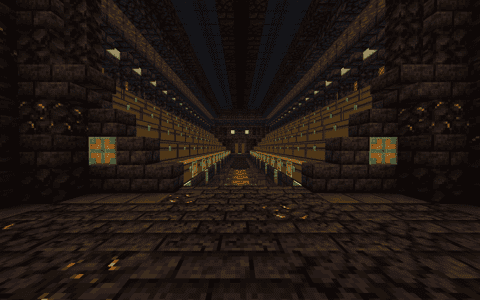
WELCOME, LADIES AND GENTLEMEN, TO THE ONE AND ONLY JAX-THEMED STASH!
Are you tired of boring stashes? Looking for somewhere to keep your most valuable treasures? Well, you've come to the right place!
Introducing a stash unlike anything you've seen before! Inspired by the one and only Jax, this stash brings a unique style to DonutSMP while giving you a place to keep your hard-earned loot.
Whether you're a seasoned player looking for a new stash or simply someone who appreciates a little creativity, this is the download for you!
So, what are you waiting for? Step right up, download the stash, and give your DonutSMP experience a little more personality!
And remember, folks... THE SHOW MUST GO ON!
Details
Initializing...
Rough estimate using the latest auction house (/ah) price history. Actual in-game prices can vary.
| Material | Unit Price | Count | Subtotal |
|---|---|---|---|
| $2,150,000.00 | 25 | $53,750,000.00 | |
| $3,476.56 | 1457 | $5,065,351.56 | |
| $132,812.50 | 24 | $3,187,500.00 | |
| $5,443.00 | 261 | $1,420,623.00 | |
| $3,770.81 | 104 | $392,164.50 | |
| $3,057.07 | 93 | $284,307.07 | |
| $2,500.00 | 87 | $217,500.00 | |
| $4,122.50 | 24 | $98,940.00 | |
| $2,332.02 | 36 | $83,952.84 | |
| $3,195.31 | 8 | $25,562.50 | |
| $2,500.00 | 6 | $15,000.00 | |
| $3,468.75 | 2 | $6,937.50 | |
| N/A | 59 | N/A | |
| N/A | 148 | N/A | |
| N/A | 11 | N/A | |
| N/A | 21 | N/A | |
| N/A | 36 | N/A | |
| N/A | 21 | N/A | |
| N/A | 40 | N/A | |
| N/A | 4 | N/A | |
| N/A | 60 | N/A | |
| N/A | 41 | N/A | |
| N/A | 42 | N/A | |
| N/A | 106 | N/A | |
| Total | $64,547,838.97 | ||


Comments
Sign in to leave a comment.
No comments yet.
How to Use This Schematic
To use this schematic in your Minecraft world, you will need the Litematica mod installed on Minecraft Java Edition.
- Install Litematica using Fabric or Forge.
- Place the .litematic file inside your schematics folder.
- Launch Minecraft and open the Litematica menu.
- Load the schematic and position it in your world.
- Begin placing blocks following the preview overlay.
Tips & Requirements
You will need Minecraft Java Edition with the correct version of Litematica installed.
If the file does not appear in-game, confirm the .litematic file is in your schematics folder and that your mod version matches your game version.
Use the placement preview before building so you can rotate or move the structure if needed.
Learn More
Import the file into your preferred schematic tool and verify version compatibility before placing it in-game.